Track requests
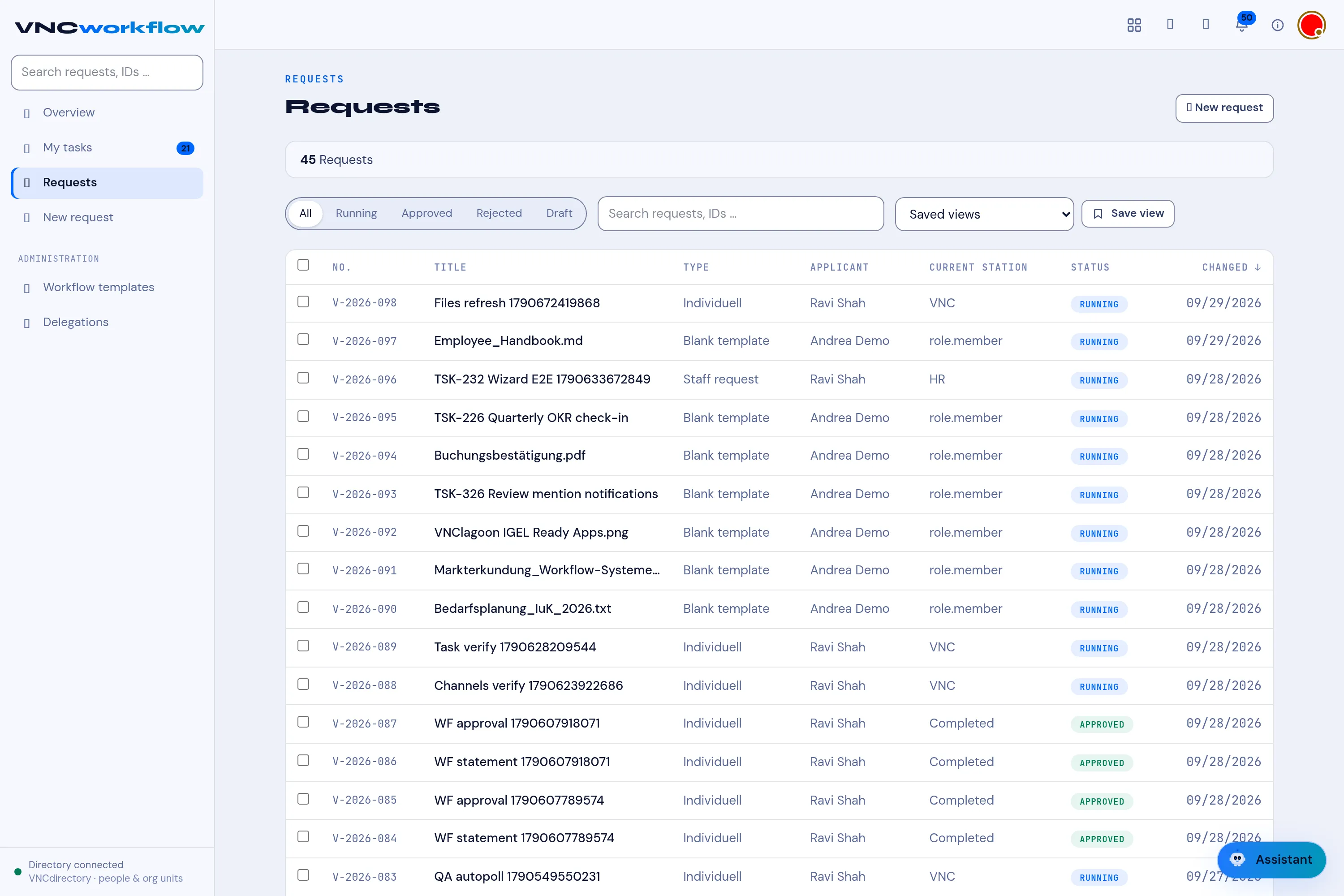
Requests is the list of every request, with its current station and status. Use it to see what is open, approved or rejected.
- Open VNCworkflow and select Requests in the left navigation.
- The header summarises the list — for example 13 Requests.
- Filter with All, Running, Approved, Rejected or Draft, or search by request name or ID.
- Select a request to open it. The first column shows the Current station.
Result
Section titled “Result”Each row shows the request’s ID (for example V-2026-021), its type and
submitter, and a status badge — RUNNING, APPROVED, REJECTED or
DRAFT. Start a new one with New request.