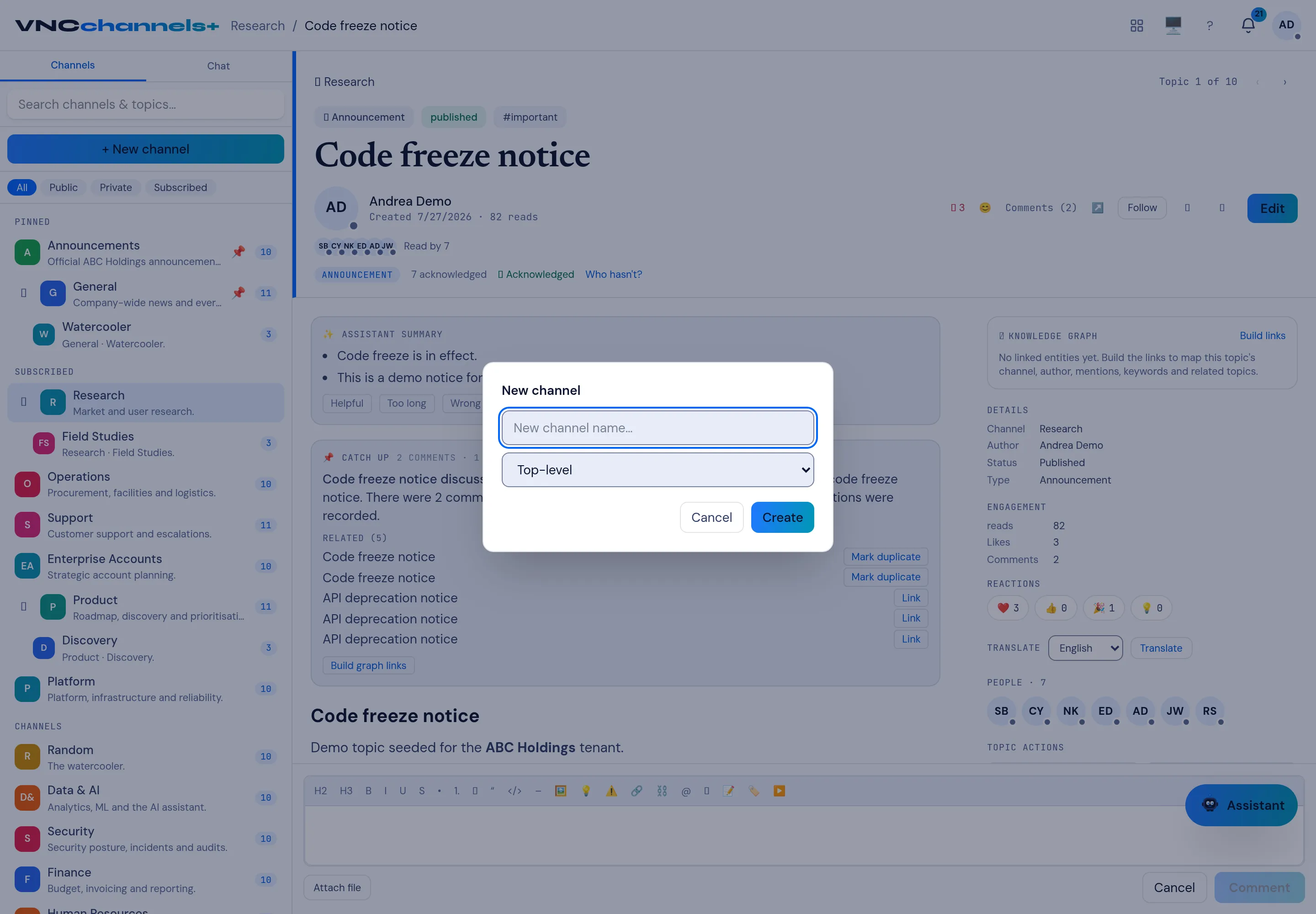
Create a channel
A channel groups related topics — a team, a project or a product area. Channels can be Public, Private or Subscribed, and can have subchannels.
- On the home page, select + New channel.
- Enter a New channel name.
- Leave the parent on Top-level, or choose a parent channel to create a subchannel.
- Select Create.
Result
Section titled “Result”The channel appears in the sidebar and on the home grid. Open it and set its Type, Visibility and Posting rules from the Details rail, then publish the first topic.