Use the calendar
The Calendar is built into VNCmail+ and shares the same account, so your meetings and your mail live together.
- Open Mail and select Calendar in the left navigation (or go to
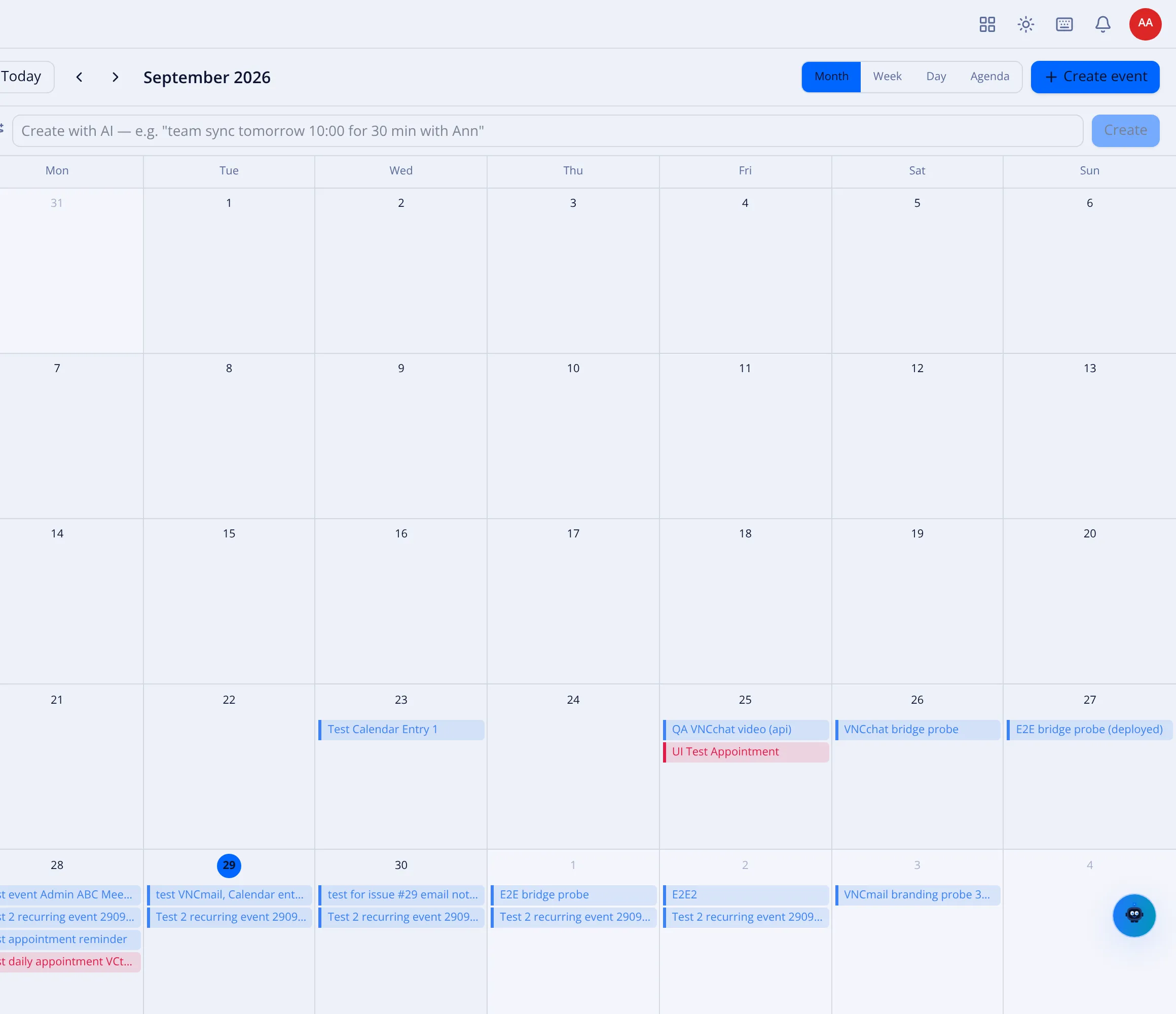
…/calendar). - Switch view with Month, Week, Day or Agenda.
- Move through time with the arrows, or select Today to jump back.
- Select + Create event to add an event, or Create with AI — describe it in plain language, for example “team sync tomorrow 10:00 for 30 min with Ann”, and the assistant drafts the event.
- Use the Calendars list on the left to show or hide calendars (for example your main calendar).
Result
Section titled “Result”Events appear on the grid; selecting one opens its details. The mini-month on the left highlights the days that have events.