Work with work items
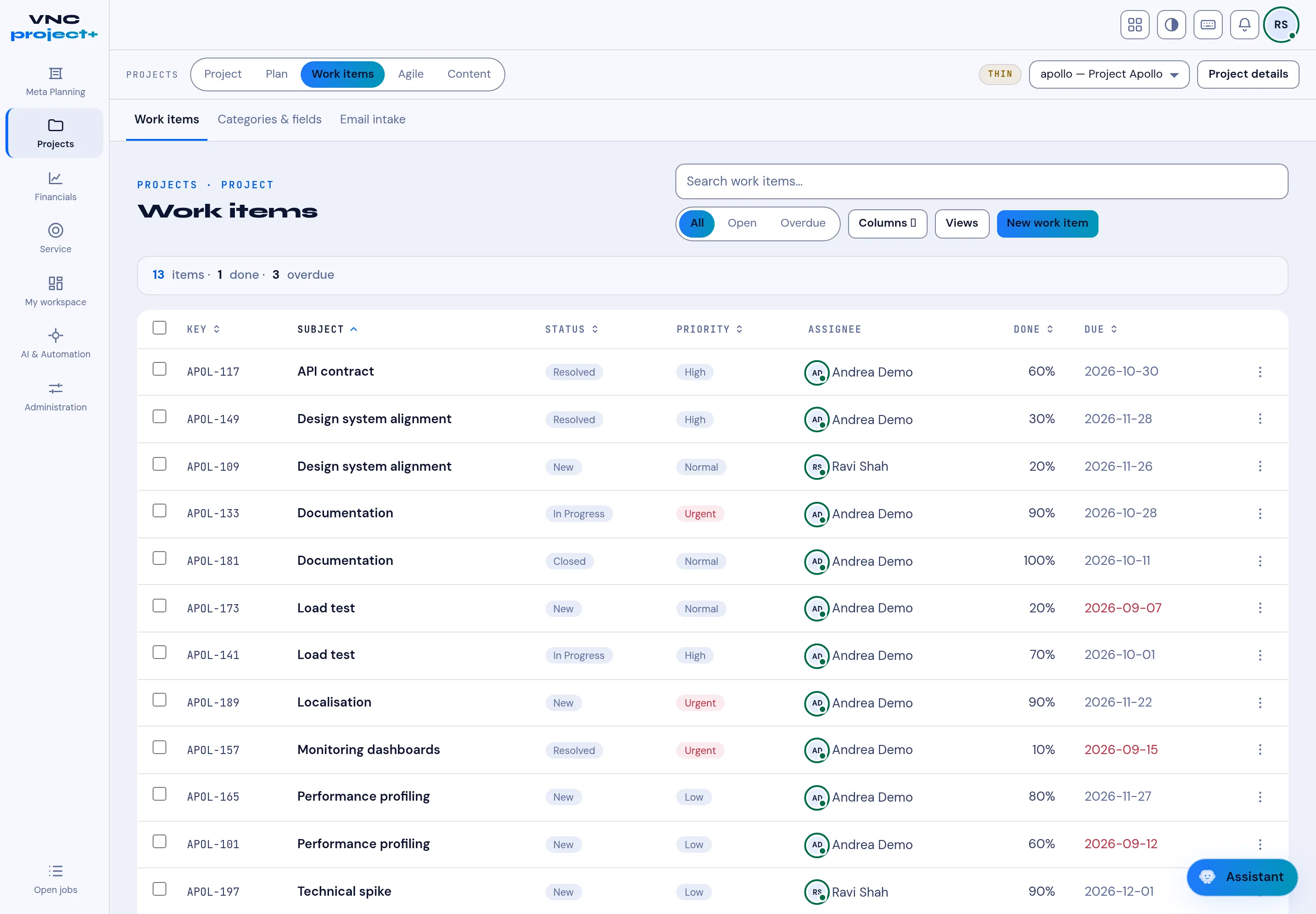
Work items are the units of work in a project. The tab lists them for the active project, and is where you create and triage them.
- Open VNCproject+, select Projects, then make a project active if needed (for example apollo — Project Apollo).
- Select the Work items tab.
- The header summarises the list — for example 13 items · 1 done · 3 overdue. Filter with All / Open / Overdue, or search work items.
- Use Columns to choose fields and Views to save a layout.
- Select New work item to create one, or open a row to edit it.
Result
Section titled “Result”Each row shows its Key (for example APOL-133), Subject, Status,
Priority, Assignee, Done % and Due date. Related tabs are
Categories & fields and Email intake.