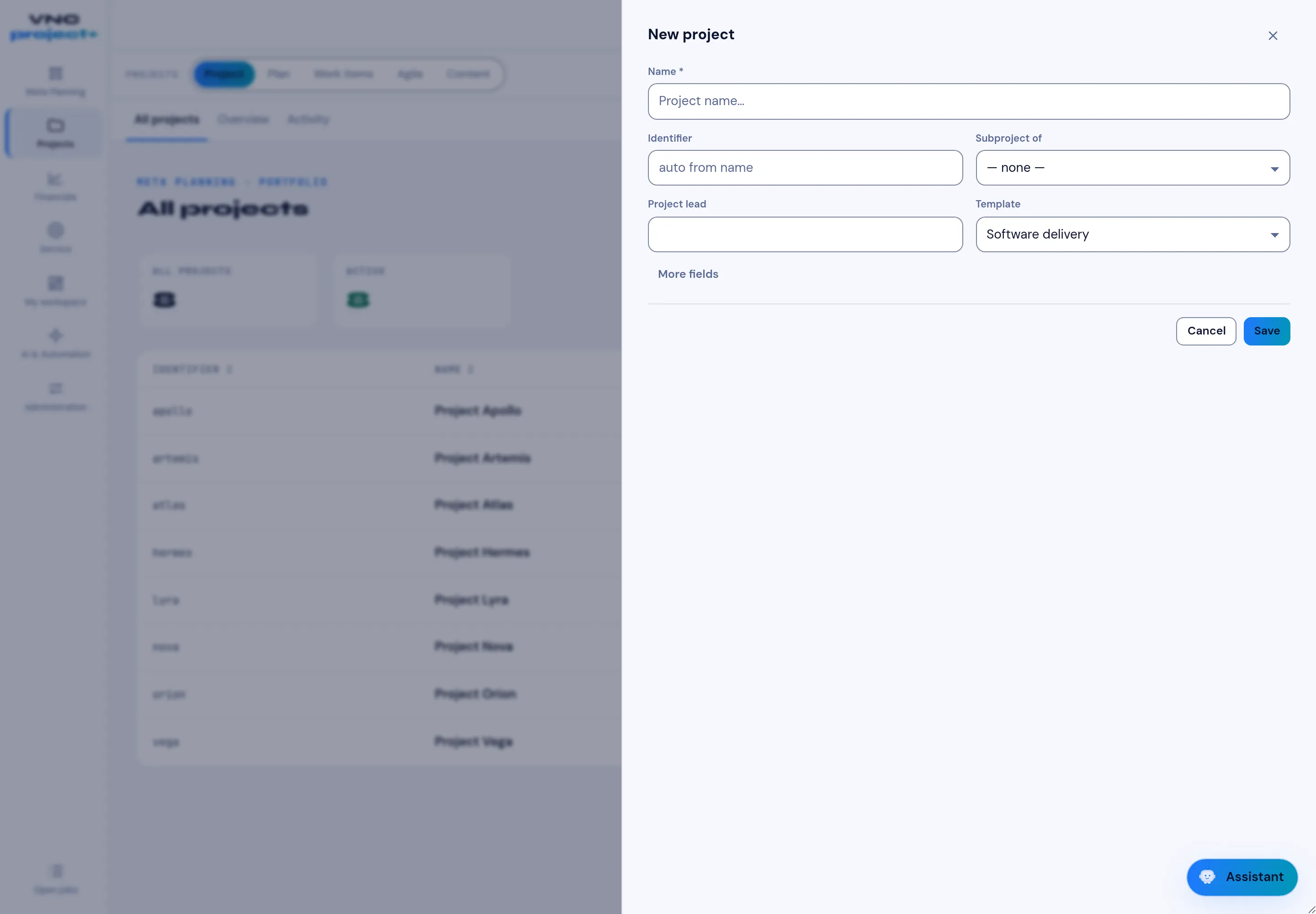
Create a project
A project is the container for work items, plans and budgets. Create one before you add work to it.
-
Open Projects and select New project.
-
Fill the form:
Field Meaning Name The project name (required). Identifier The short key used in work-item IDs; auto from name builds it for you. Subproject of Place the project under a parent, or — none — for a top-level project. Project lead Who owns the project. Template The starting structure, for example Software delivery. -
More fields reveals the optional settings.
-
Select Save. The project appears in the All projects list. Select Cancel to discard.