First steps with VNCai
By the end of this tour you will have asked VNCai a question and found it again.
1. Open VNCai
Section titled “1. Open VNCai”Open VNCai from the portal. If you are not signed in, continue with VNCid.
2. Start a conversation
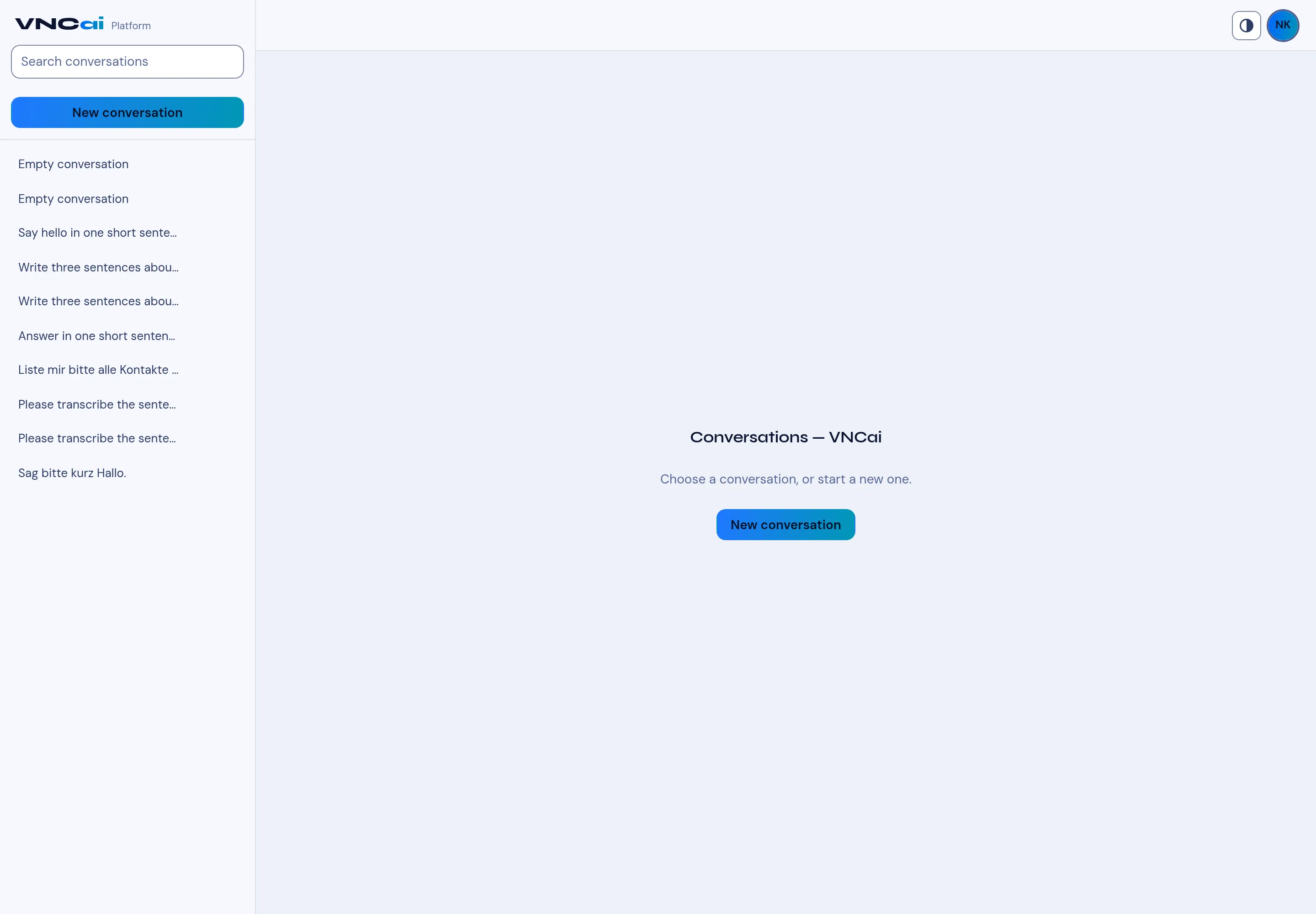
Section titled “2. Start a conversation”Select New conversation and type your question. VNCai answers in the same conversation, and you can follow up.
3. Find it again
Section titled “3. Find it again”Conversations are listed on the left with a short title. Use Search conversations to find one and select it to reopen.
4. Know the difference
Section titled “4. Know the difference”VNCai is the platform — the app you are in. The Assistant (Lago) is the same brain surfaced inside each product; see Use the assistant.
What you learned
Section titled “What you learned”- VNCai keeps conversations with history.
- It is sovereign: it runs on your own infrastructure.