Filters
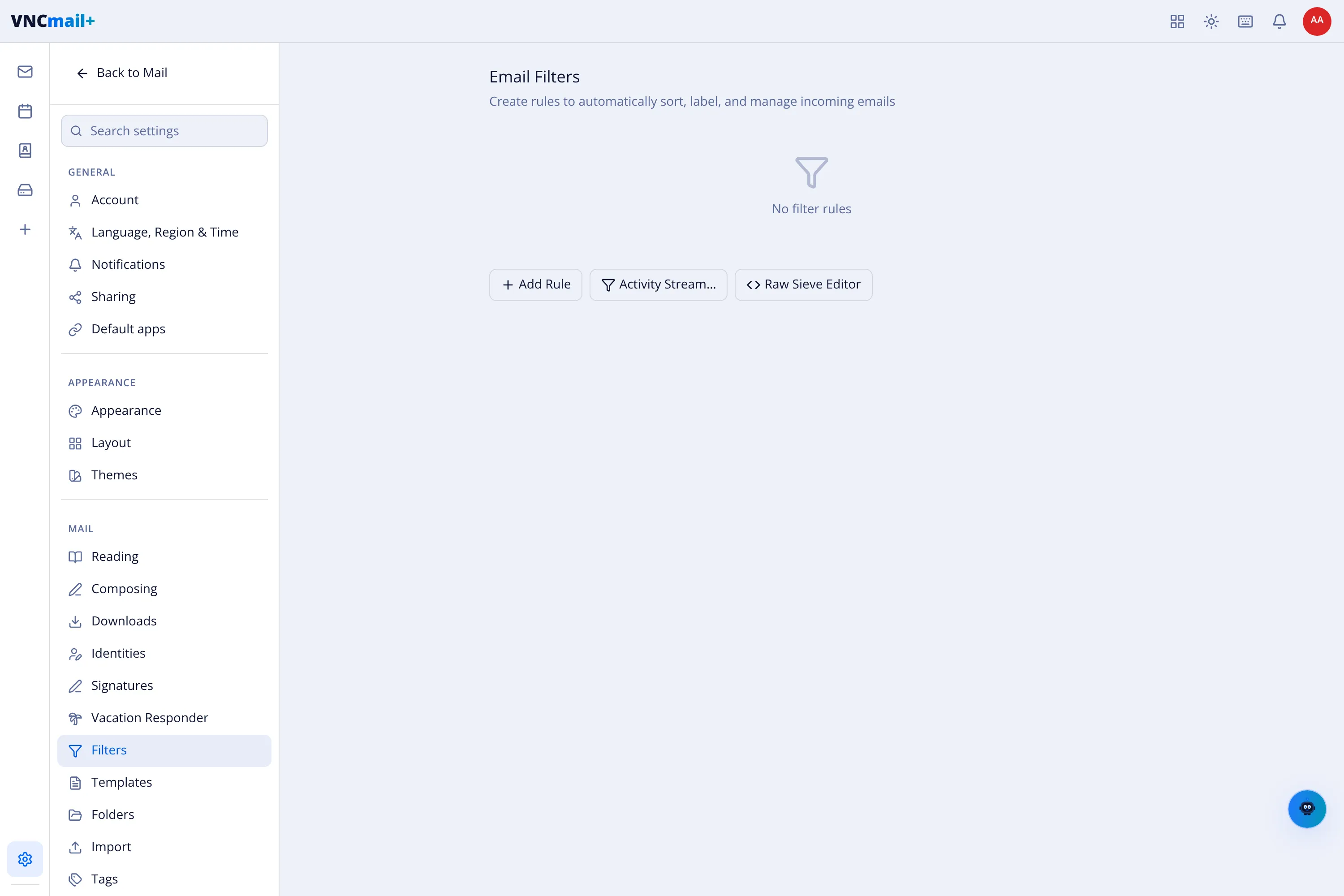
Settings → Filters holds the rules that run on incoming mail — create rules to automatically sort, label, and manage incoming emails.
The page
Section titled “The page”| Control | Does |
|---|---|
| + Add Rule | Create a filter: a set of conditions and the actions to take (move, label, mark, delete…). |
| Activity Stream | Shows when rules have fired. |
| Raw Sieve Editor | Edit the underlying Sieve script directly (for advanced rules). |
With no rules the list shows No filter rules.
Result
Section titled “Result”Matching messages are filed and labelled as they arrive, before you see them in the inbox.