Forward and save messages
Two ways to move a message: Forward it to another conversation, or Star it to keep it in one place.
Forward a message
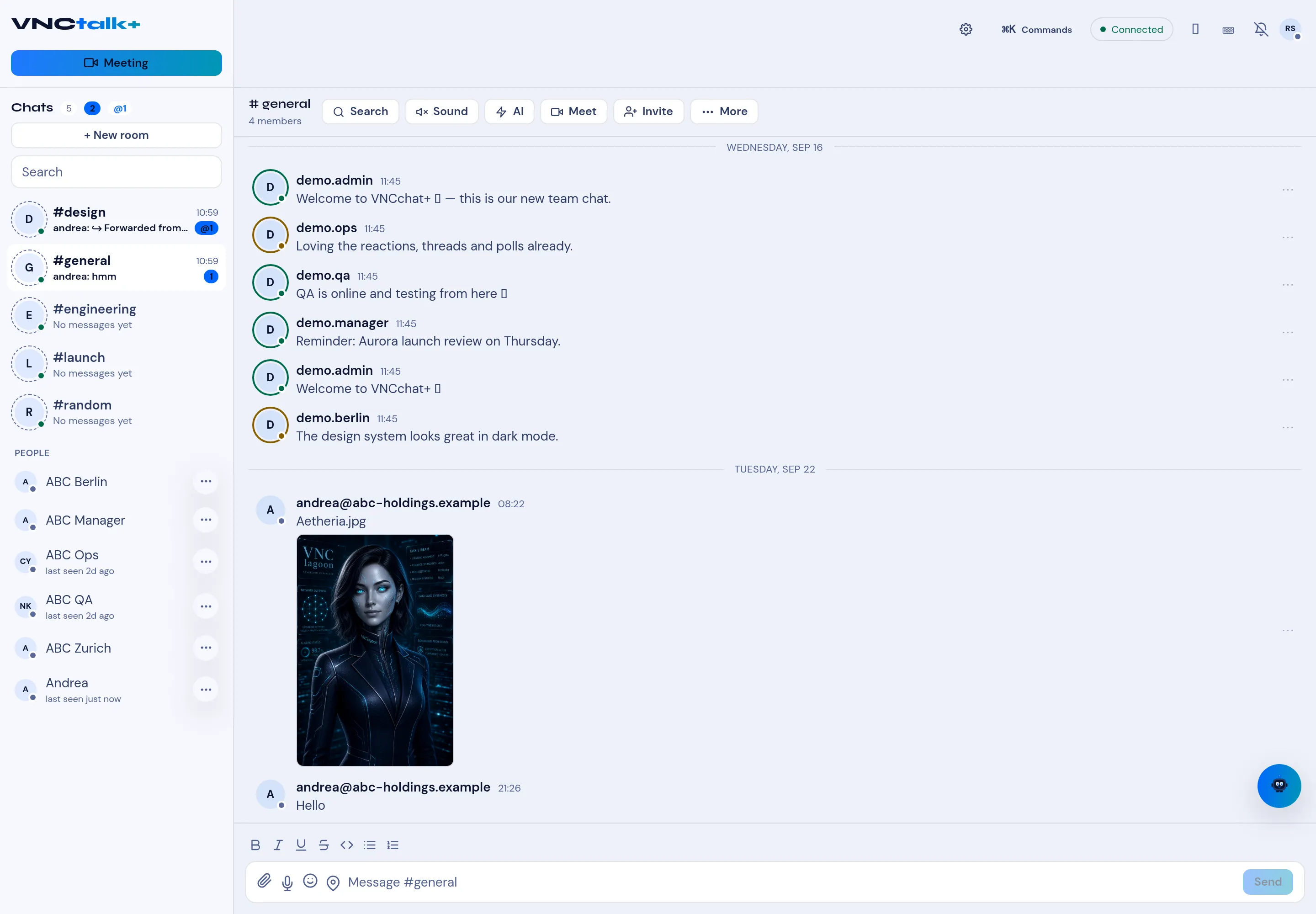
Section titled “Forward a message”- Hover the message and open its ⋯ actions.
- Select Forward. The Forward dialog opens.
- Pick the chat or room to send it to. The forwarded message is marked as forwarded (the original author is kept).
- Confirm.
Star a message
Section titled “Star a message”- Hover the message and select Star (the star icon).
- To see everything you starred, open Starred — a single list of your saved messages across chats and rooms.
- Select a starred message to jump back to it, or unstar it to remove it.