Find a project
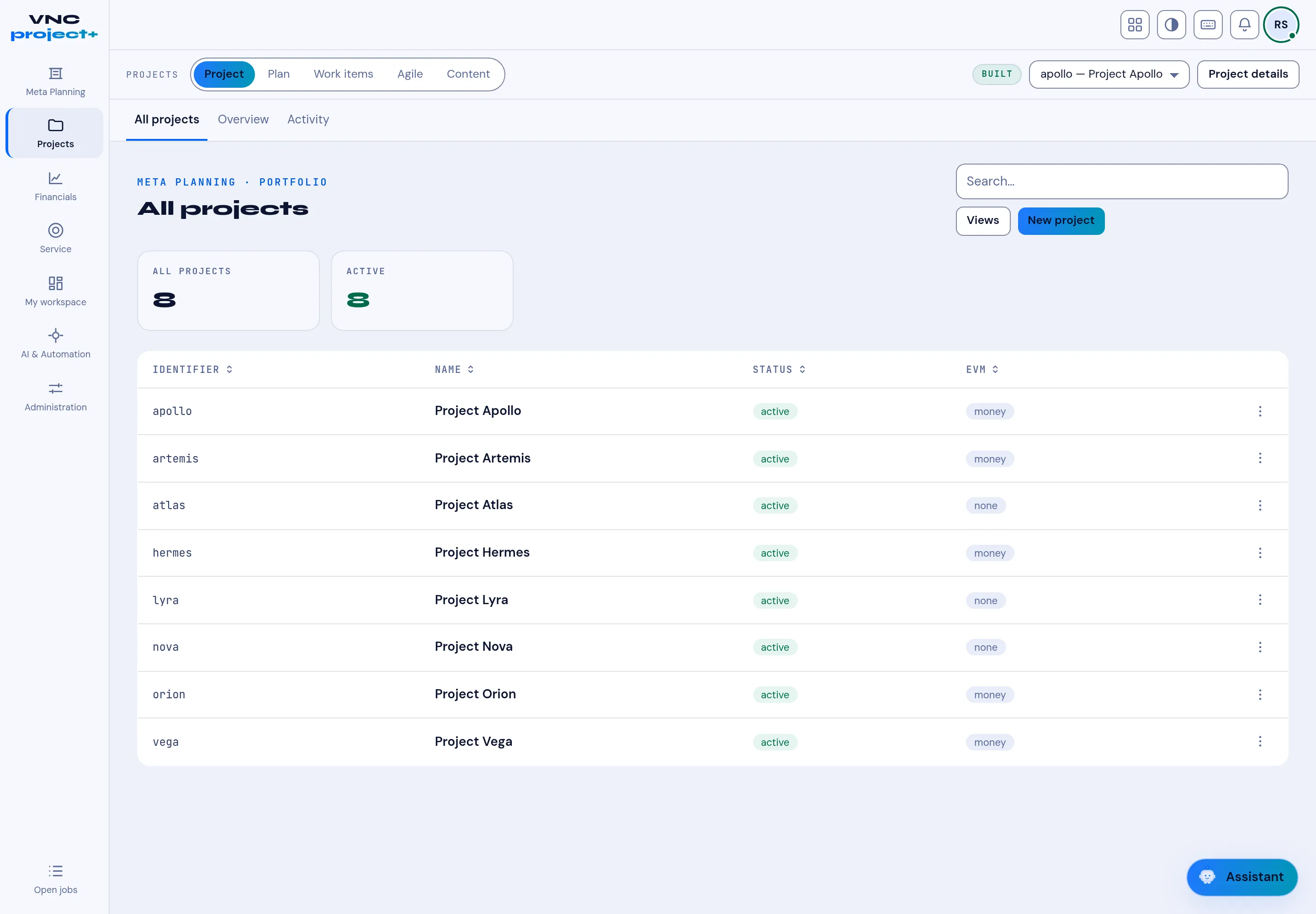
Projects lists the portfolio. From here you can switch between projects and open the part of a project you need — its plan, work items, agile board or content.
- Open VNCproject+ and select Projects.
- The All projects table shows each project’s Identifier, Name, Status and EVM. Use Search to filter, or Views for saved views.
- Select a project row, or use the project selector in the top bar (for example apollo — Project Apollo), to make it the active project.
- Use the tabs to move around the active project: Project, Plan, Work items, Agile and Content.
- Select New project to create one, or the ⋯ menu on a row for per-project actions.
Result
Section titled “Result”The header updates to show the active project, and every tab follows it. Project details opens the project’s settings.