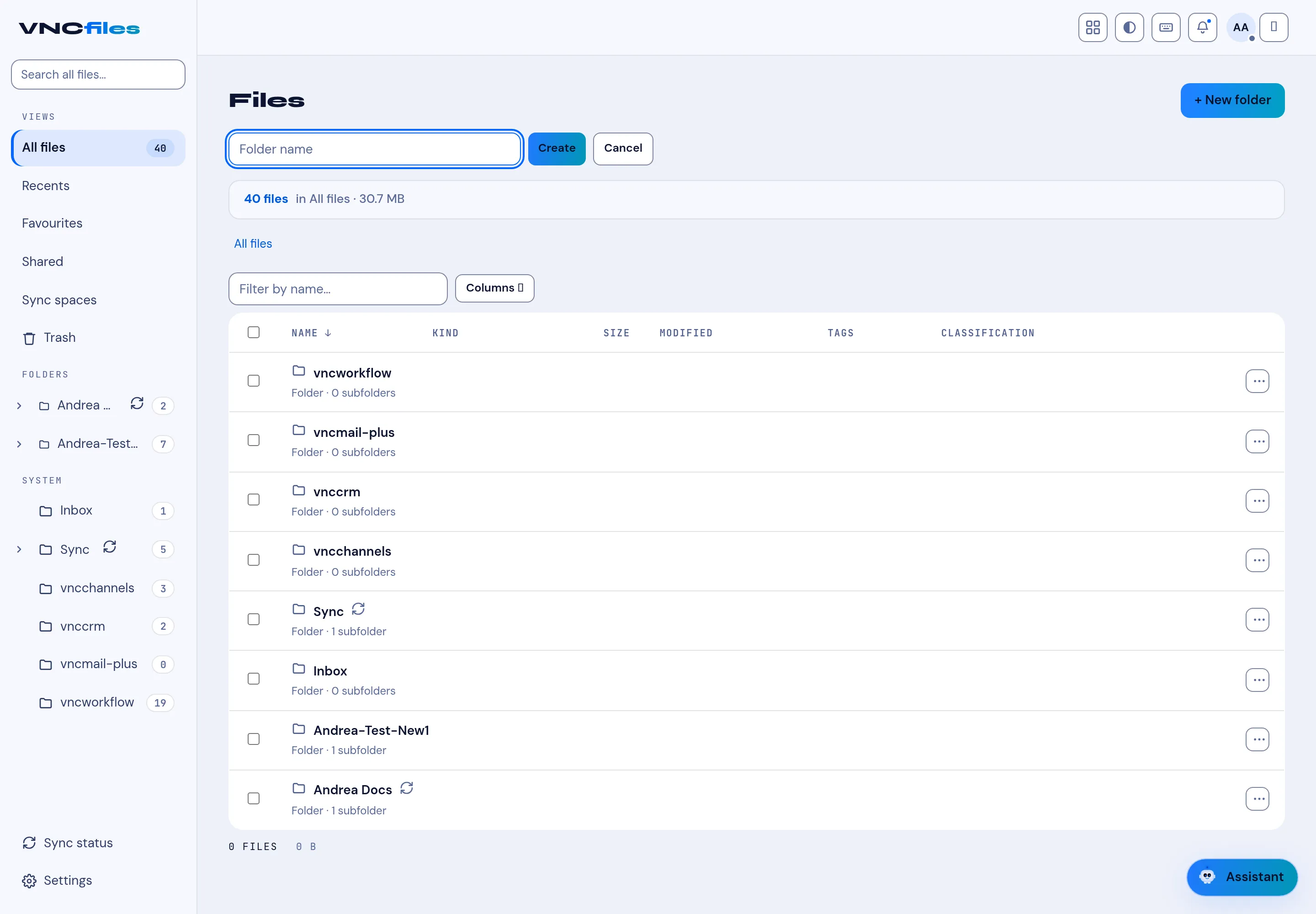
Views and file fields
| View | Shows |
|---|---|
| All files | Everything you can see. |
| Recents | Recently touched. |
| Favourites | Starred. |
| Sharing | Shared by you, or shared with you. |
| Synced files | Files inside your sync-space folders. |
Trash and Settings sit at the bottom of the sidebar. Only followed (a filter chip on the My files header) narrows the folder tree to the folders you follow — it is a filter, not a view.
Storage filter
Section titled “Storage filter”Inside a folder, Storage = All / Owned / Referenced.
File columns
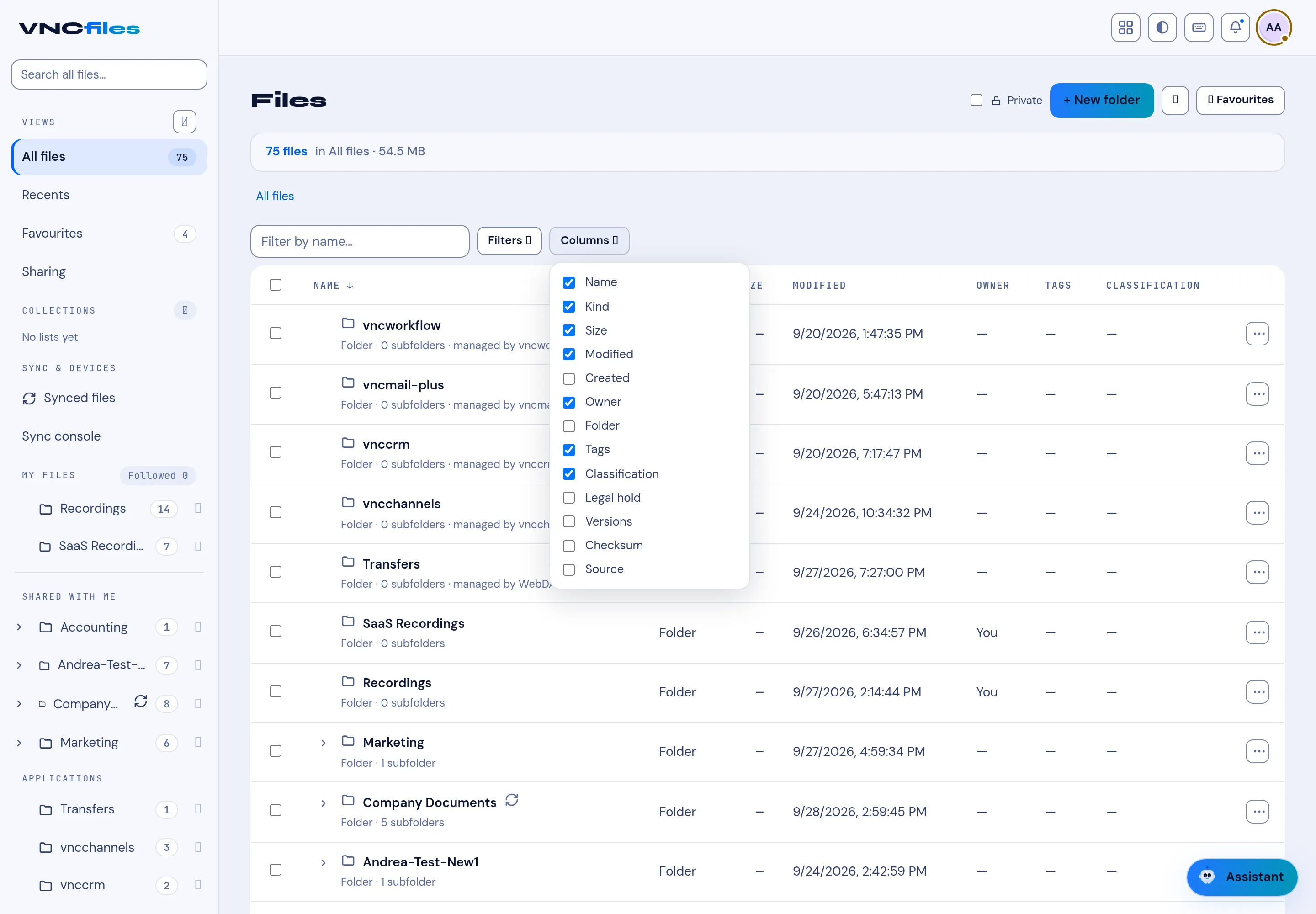
Section titled “File columns”The list shows these columns, and Columns chooses which are visible:
- Name, Kind, Size, Modified, Created.
- Owner, Folder, Tags, Classification.
- Legal hold, Versions, Checksum, Source (files that came in through a connector keep their origin).
The folder header shows the count and total size (for example 2 files · 4.2 MB).
If your organisation defines custom fields, they can be shown as columns too (from Columns) and used in filters — see A file’s rating, notes and custom fields.
Collections
Section titled “Collections”Collections in the sidebar are manual My Library lists — pick files and folders into named lists, independent of where they live. They start empty (No lists yet) and are yours alone.
Controls
Section titled “Controls”- + New folder, + Upload.
- Filter by name, Filters, Columns.