Manage products
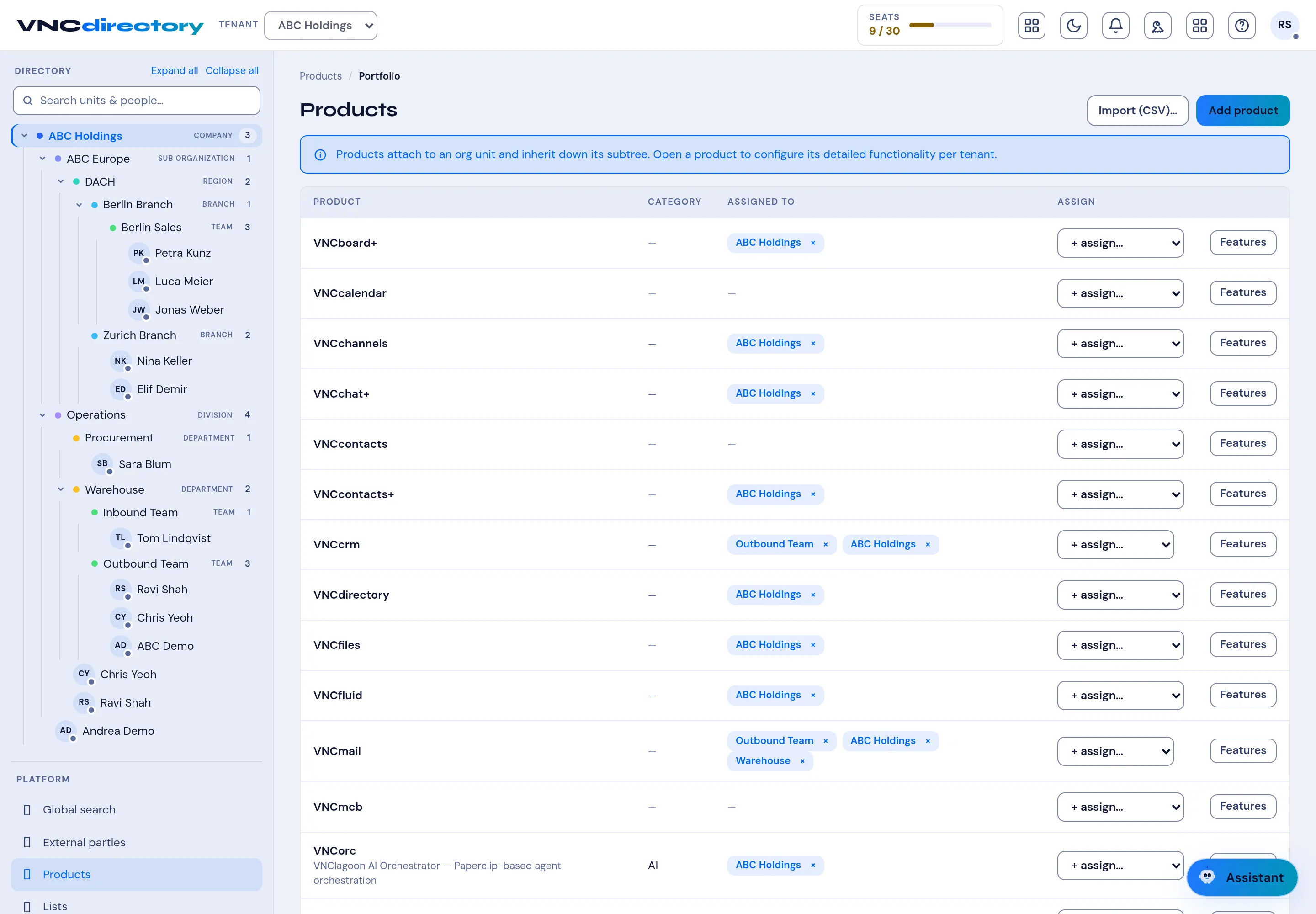
The Products view is where the suite is entitled. Products attach to an organization unit and inherit down its subtree, so assigning a product to a company gives it to every unit below, unless overridden.
- Open VNCdirectory+ and select Products in the left navigation.
- Find a product in the list. Assigned to shows the units it is currently entitled to.
- Use + assign… to add a unit, or remove one with the × on its chip.
- Select Features to configure that product’s detailed functionality for the tenant.
- Add products in bulk with Import (CSV)…, or one at a time with Add product.
Result
Section titled “Result”Products and their assignments update immediately. Because entitlement is inherited, a product assigned high in the tree reaches every unit beneath it.