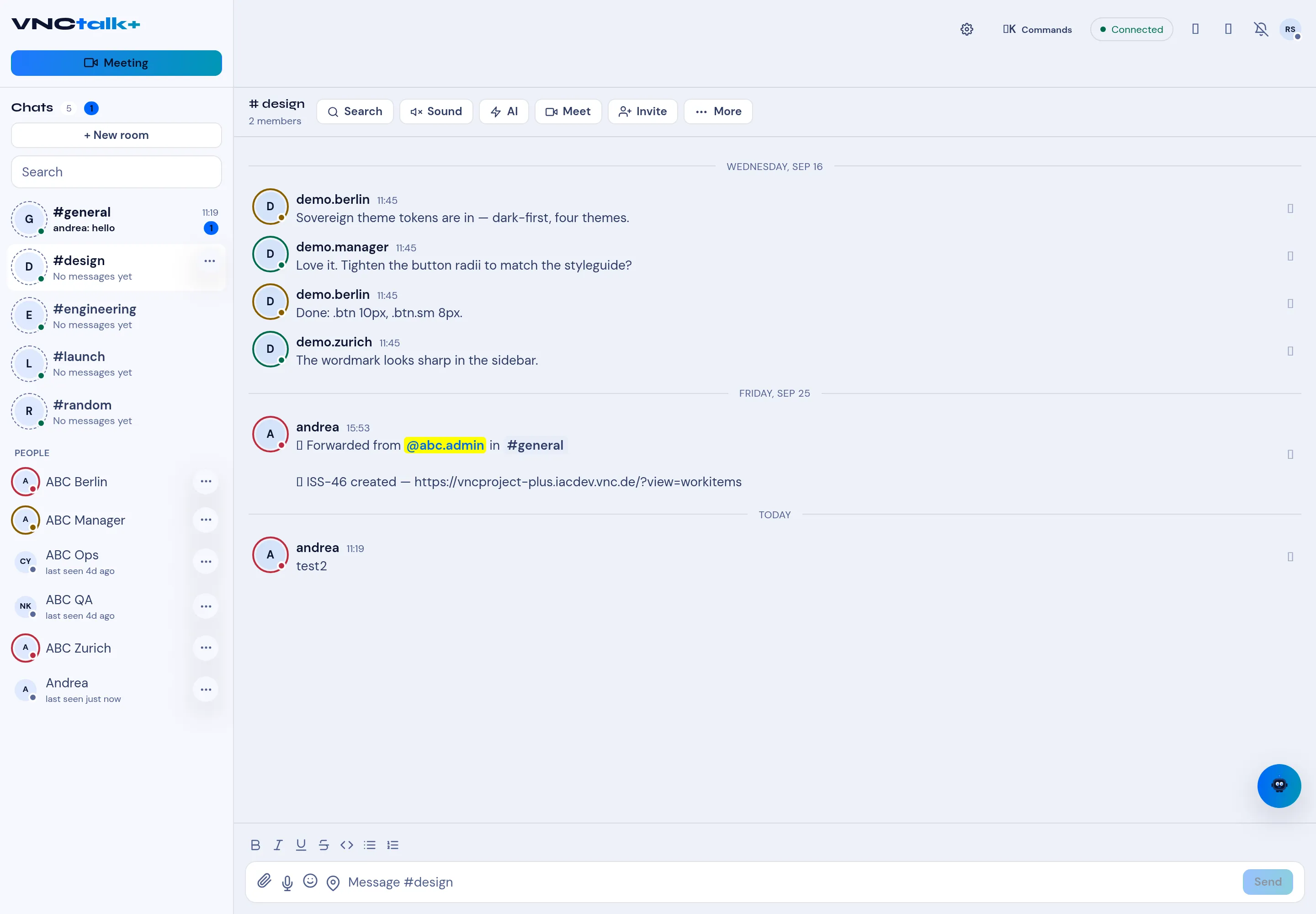
Turn a message into a task or ticket
A chat decision often needs to become work. From a conversation you can file a task in VNCtask+, or a ticket in VNCproject+ — without retyping it.
Create a task
Section titled “Create a task”- Hover the message (or use the room’s More menu) and choose New task.
- The New task dialog opens, pre-filled with the chat and the message.
- Adjust the title and details, then create it. The task lands in VNCtask+ with a link back to the conversation.
Create a ticket
Section titled “Create a ticket”- Choose New ticket.
- In the New ticket dialog, pick the Project (if none are offered, you have no project you can file to — No projects), set the summary, and create it.