The composer
The composer sits at the foot of a room.
Formatting
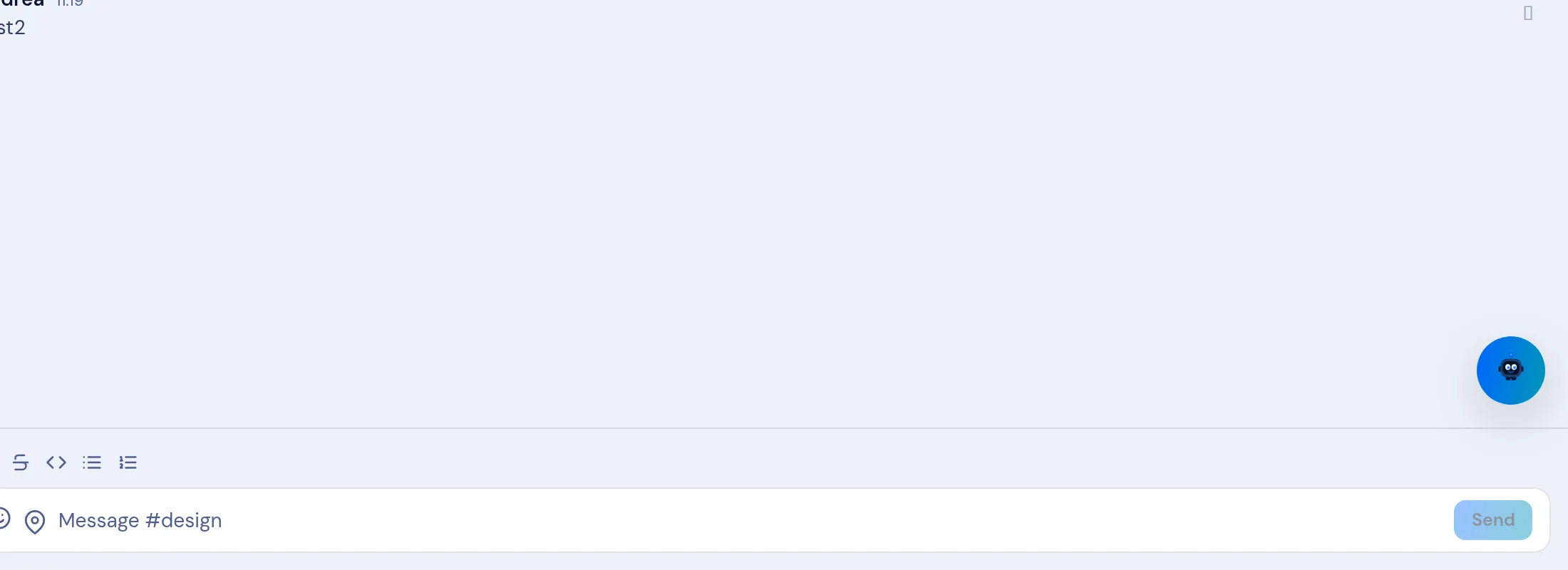
Section titled “Formatting”The toolbar offers bold, italic, underline, strikethrough, quote, inline code, a bullet list and a numbered list. Enter sends; use Shift+Enter for a new line (see Keyboard shortcuts).
Controls
Section titled “Controls”| Control | Does |
|---|---|
| Attach | Uploads a file or image (XEP-0363 + 0447) — see Share a file. |
| Mic | Records a voice message. |
| Emoji | Inserts an emoji. |
| Location | Shares your location. |
The placeholder reads Message #room; Send posts it.
Attachments
Section titled “Attachments”Use the attach control to Take photo, pick from the Photo library, or Choose file. An attachment offers Open, Download, Share and Save; a format with no viewer says No preview available — open or download it.
Drafts
Section titled “Drafts”Your composer keeps a separate draft per conversation. Start typing in a room, switch to another conversation, and come back — each one still holds what you had typed. A draft is kept for you and is not sent until you select Send.
Bulk actions on messages
Section titled “Bulk actions on messages”Use the more-menu Select messages to tick several, then Star, Forward or Copy them at once (Select all / Clear selection).