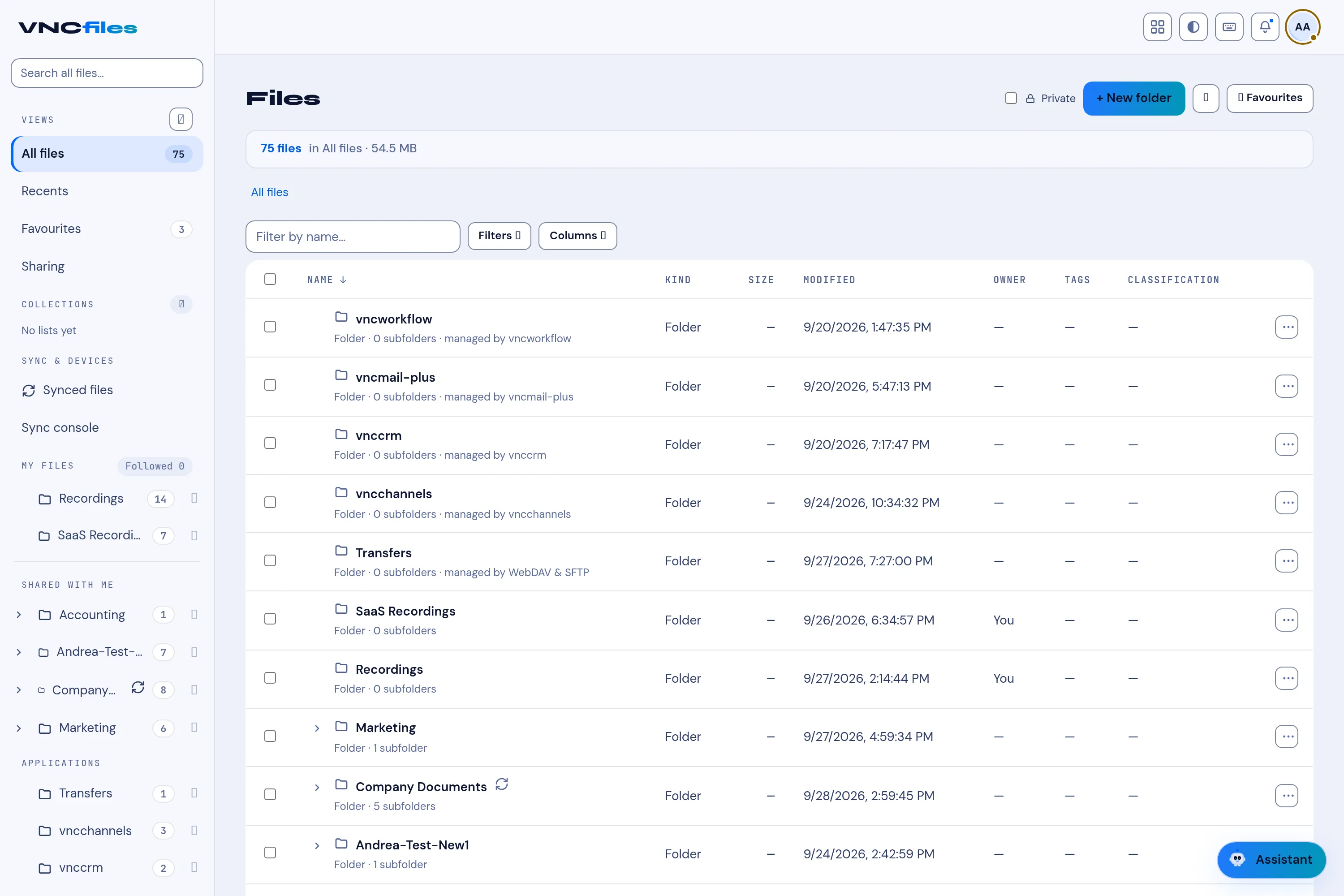
Files
The Files app browses the mail server’s file storage (via JMAP) as a real folder tree. (Older flat-named files migrate into nested folders on first load.)
The toolbar
Section titled “The toolbar”| Control | Does |
|---|---|
| Home | Back to the root folder. |
| Search | Find a file. |
| Grid / list | Switch the layout. |
| Info | Folder details. |
| Star | Favourites. |
| Upload | Upload files (drag and drop also works). |
| Cut / Copy / Paste | Move and duplicate. |
| Refresh | Reload. |
Sort by name, size or date. In an empty folder, New Folder and New Text File create items.
Preview and upload
Section titled “Preview and upload”- Preview images, text, audio and video inline.
- Uploads stream over WebDAV PUT, whole folders included, with progress; the size limit follows the server’s own configuration. A banner warns that large uploads can stress the server and that deleted files may not be purged immediately.
Sharing (JMAP, RFC 9670)
Section titled “Sharing (JMAP, RFC 9670)”Files and folders can be shared: pick a user or group from the principal picker and grant read, read/write or manager. Shared items get an indicator, and anything shared with you appears under Shared with me.