Training and certification
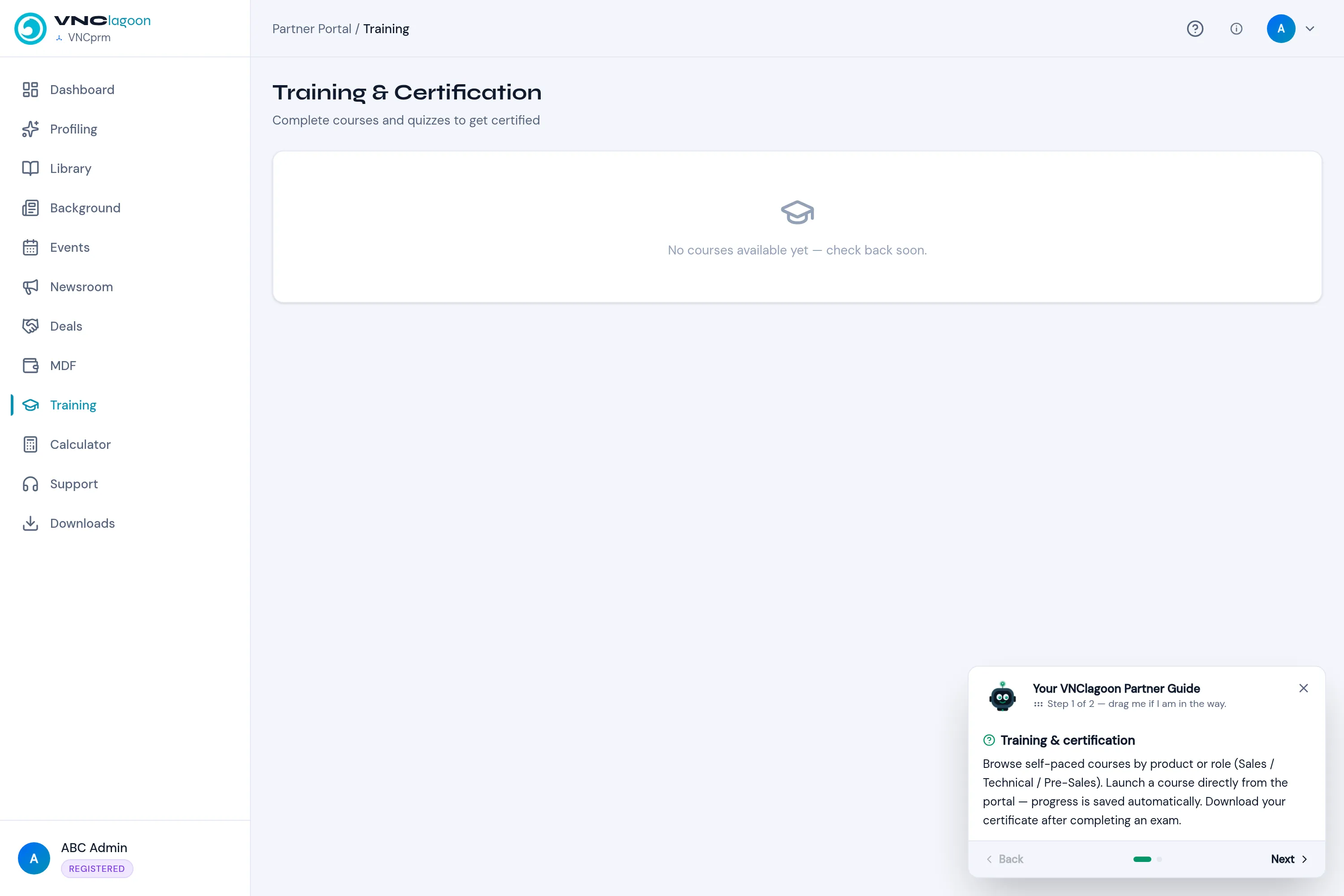
Training & Certification lists self-paced courses for partners. Browse by product or role (Sales, Technical, Pre-Sales), launch a course from the portal, and track your progress.
- Open Training in the partner portal.
- Pick a course and launch it. Your progress is saved automatically.
- Finish the exam to complete the course, then download your certificate.
Courses appear as the vendor publishes them; until then the page reads No courses available yet — check back soon. A course can also be recommended on your Dashboard.