Search operators and filters
Beside the search box you switch between two modes: Text (words, with the operators below) and Meaning — a semantic search that finds messages by sense and uses the mail index (slower).
VNCmail+ search accepts plain text plus operators typed in the box. The ?
button beside the search bar lists them all with examples.
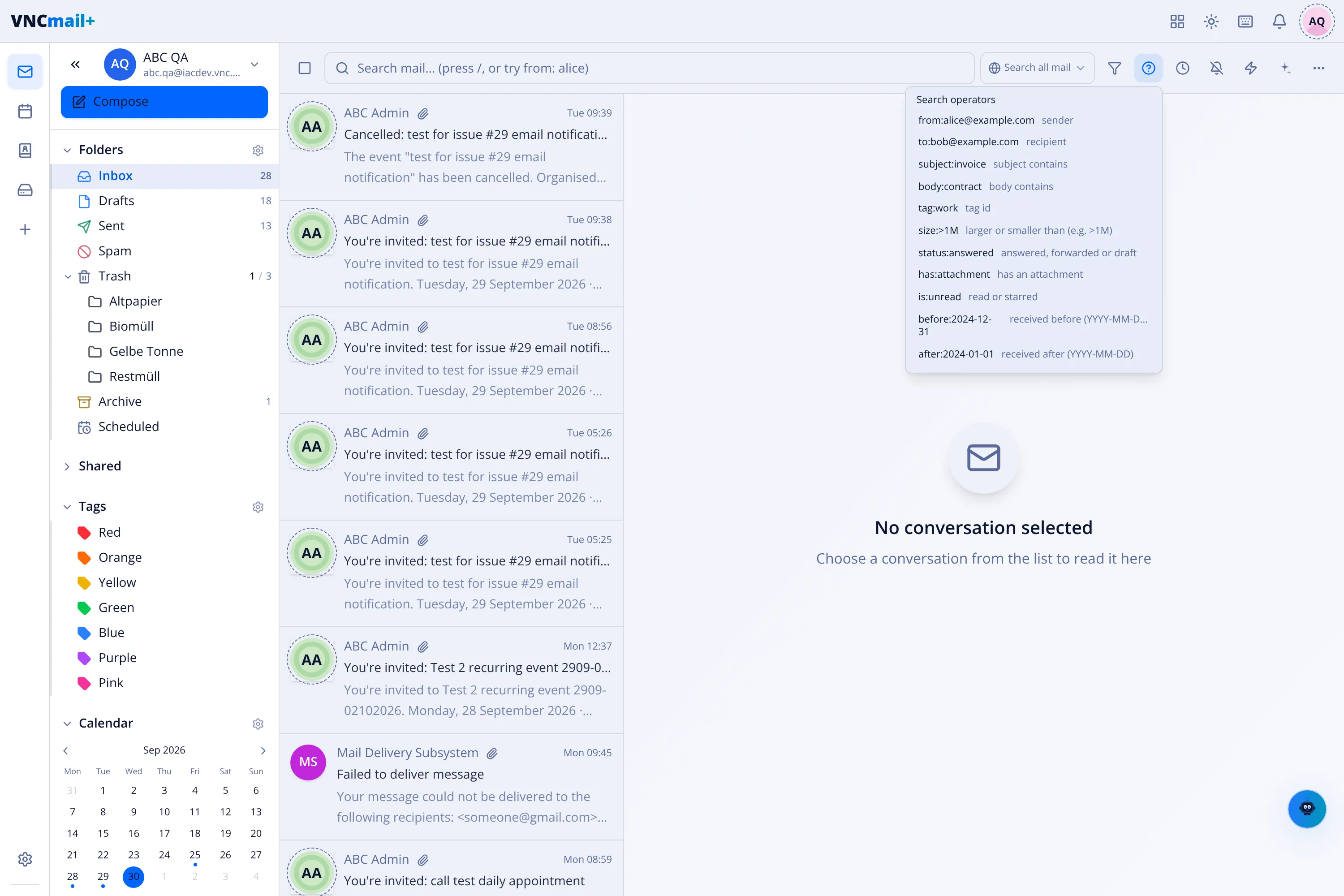
Operators
Section titled “Operators”| Operator | Example | Matches |
|---|---|---|
from: |
from:alice@example.com |
a sender |
to: |
to:bob@example.com |
a recipient |
subject: |
subject:invoice |
the subject contains this |
body: |
body:contract |
the body contains this |
tag: |
tag:work |
a tag (its id) |
size: |
size:>1M · size:<500K |
larger or smaller than a size |
status: |
status:answered |
answered, forwarded or draft |
has: |
has:attachment |
has a file attached |
is: |
is:unread |
unread, read, starred or flagged |
before: |
before:2024-12-31 |
received before a date |
after: |
after:2024-01-01 |
received after a date |
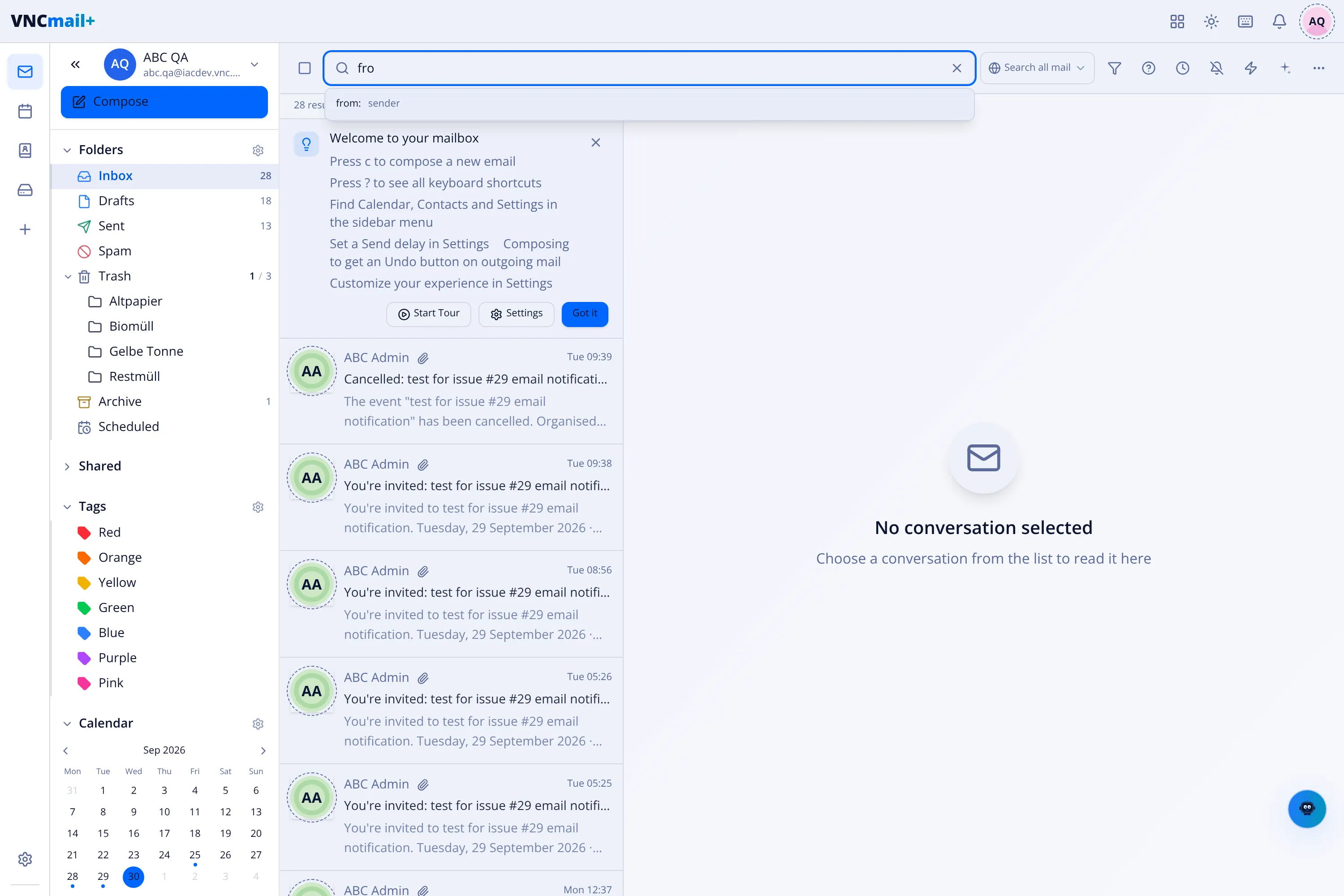
As you type, the bar completes the operator and its values. Sizes use binary
units (500K, 1M, 2G) or raw bytes; > and < choose larger or smaller.
Quote a value with spaces: subject:"Q3 report".
Filter panel
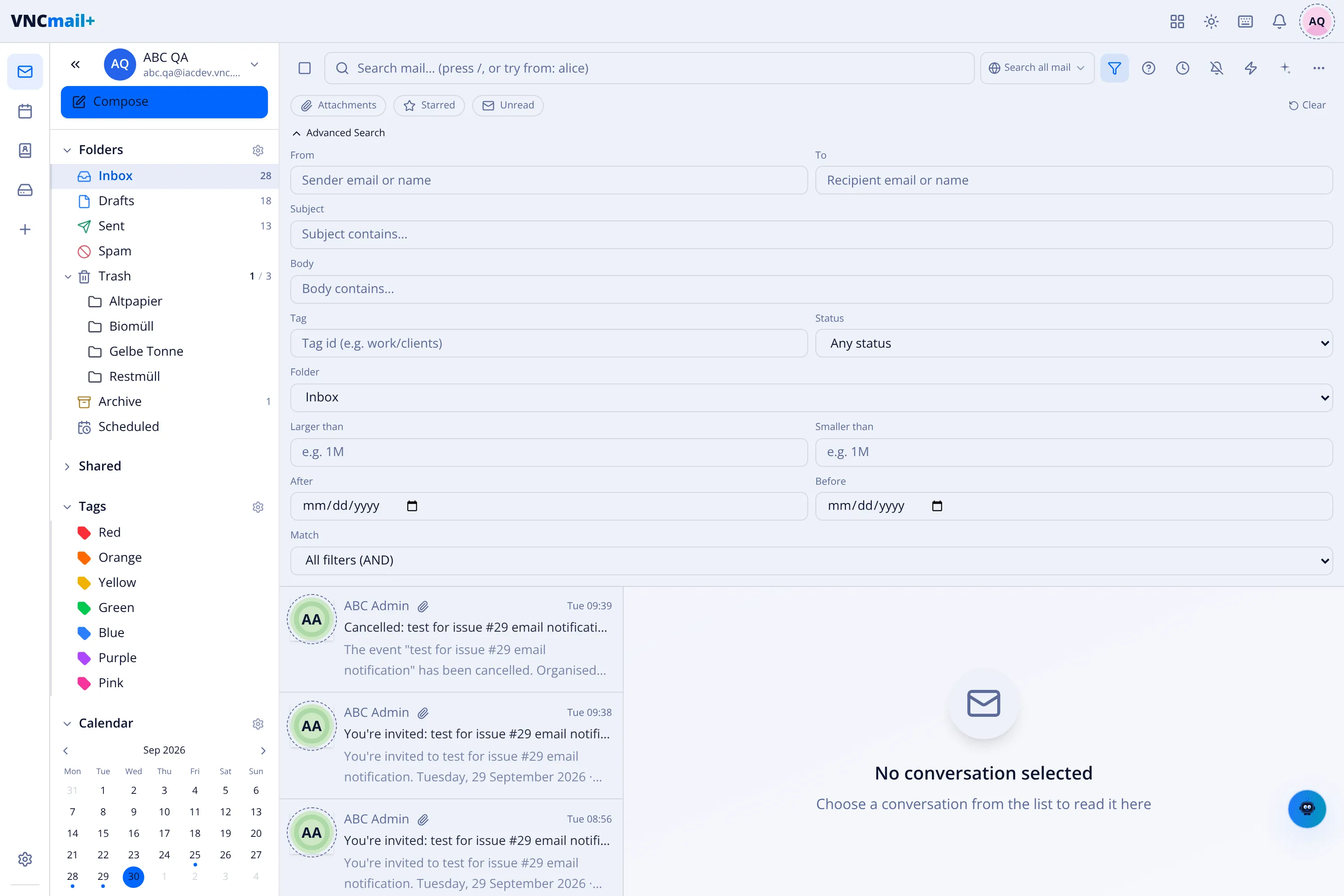
Section titled “Filter panel”The filter control beside the search box opens quick toggles (Attachments, Starred, Unread) and an Advanced Search panel with these fields:
| Field | Notes |
|---|---|
| From | sender email or name |
| To | recipient email or name |
| Subject | subject contains |
| Body | body contains |
| Tag | a tag id, for example work/clients |
| Status | any · answered · forwarded · draft |
| Folder | restrict to one folder |
| Larger / Smaller than | size, for example 1M |
| After / Before | received date range |
| Match | combine the conditions: All (AND) · Any (OR) · None (NOT) |
The pill beside the search box switches between Search all mail and Search this folder. The scope is always applied in addition to (AND) the other conditions.
- Search matches whole words and word stems (server-side search), so wildcards
such as
*are not supported —subject:adminmatches,subject:adm*does not. - Operators and filters appear as removable chips above the results; clear them with Clear all.
- To keep a search, choose Save search — it then re-runs from the sidebar.