Edit or withdraw a deal or MDF request
While a deal is under review — or an MDF request is still pending — you can still change it or withdraw it yourself, from the partner portal.
Edit a deal
Section titled “Edit a deal”- Open Deals.
- Find the deal and select the pencil on its card.
- Change the details (value, product line, seats, incumbents, notes, …).
- Select Save.
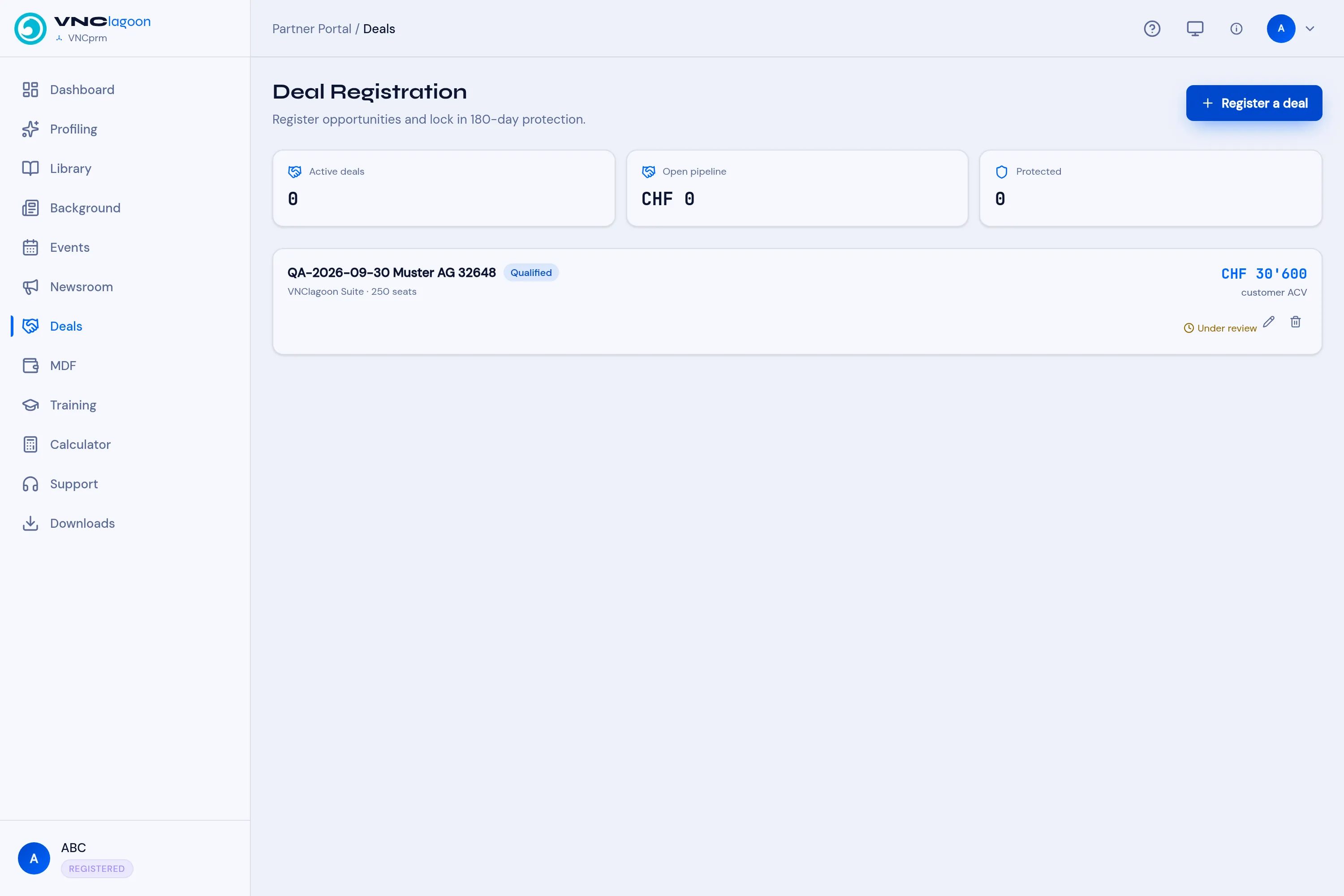
Withdraw a deal
Section titled “Withdraw a deal”- Open Deals and select the trash on the deal.
- Confirm the prompt — Withdraw “<customer>”? This can’t be undone.
The deal is removed from your registration.
Edit an MDF request
Section titled “Edit an MDF request”- Open MDF.
- Find the request, which must still be Pending.
- Select the pencil and change the campaign, amount or dates in the Edit MDF request window.
- Select Save changes.
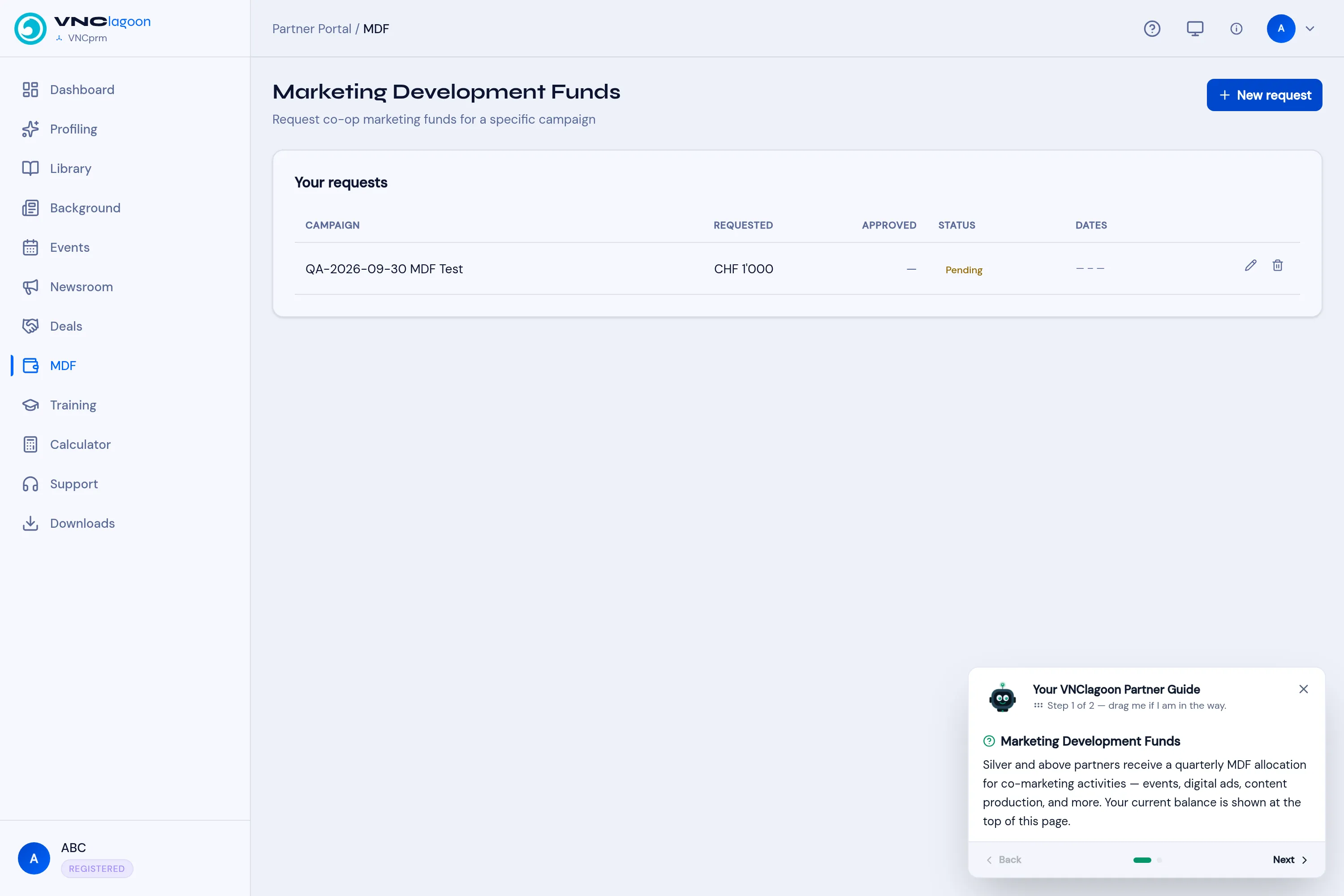
Withdraw an MDF request
Section titled “Withdraw an MDF request”- Open MDF and select the trash on a Pending request.
- Confirm the prompt — Withdraw “<campaign>”? This can’t be undone.
Good to know
Section titled “Good to know”- Only your own registrations are shown, and only ones you can still change offer these actions. Once a deal is approved and you are not able to change it, or an MDF request is approved or rejected, the actions are gone.
- Withdrawing cannot be undone — you would register or request again from scratch.