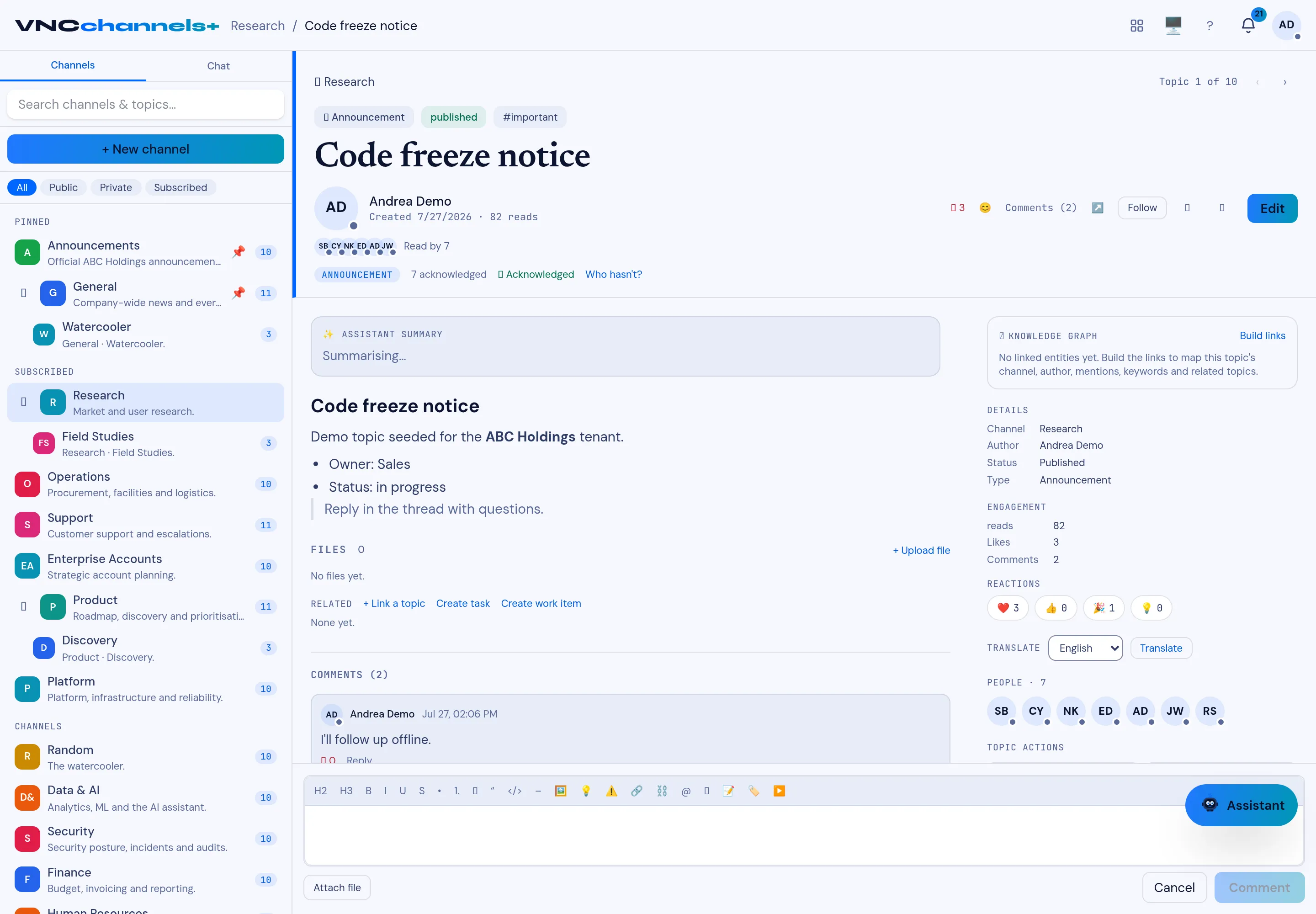
Comment on a topic
Comments keep the discussion attached to the topic, so a decision and its reasoning stay together.
- Open a topic.
- Scroll to the Comments section.
- Type your comment in the composer. Mention a colleague with @ if you need their attention.
- Select Comment.
Result
Section titled “Result”Your comment appears under the topic; the comment count in the topic header increases, and anyone mentioned gets a notification in their For you rail.