Find a conversation
VNCai keeps every conversation, so you can pick one up again rather than start over.
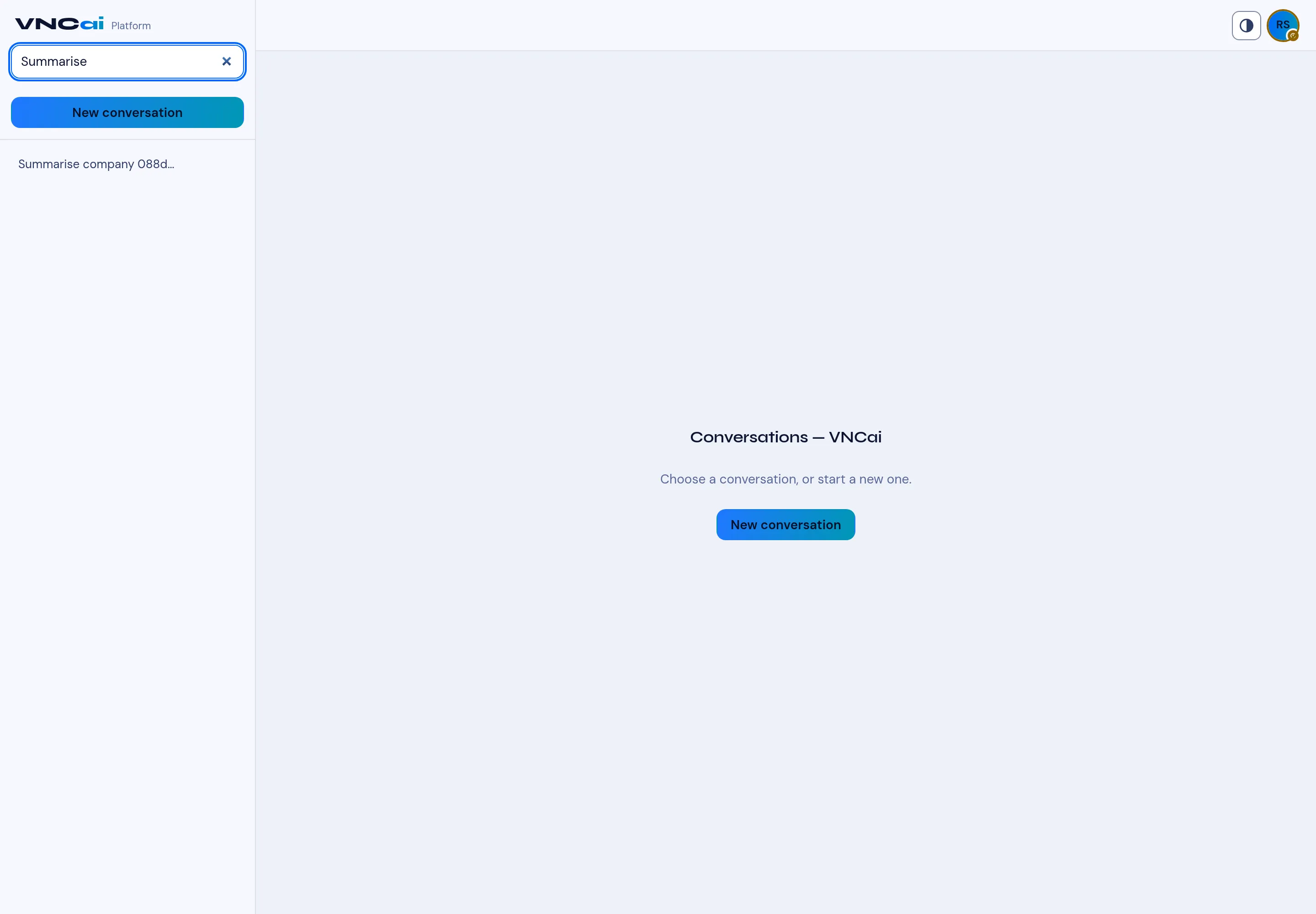
- Open VNCai and use the Search conversations box at the top left.
- Type a word from the conversation — the list narrows as you type.
- Select a conversation in the list to reopen it, and continue where you left off.
- Clear the search with the × to see all conversations again.
- Use New conversation to start a fresh thread instead.
Result
Section titled “Result”Conversations are titled from their first ask (for example Summarise company …), which makes them easy to scan. Your history stays available.