Create a task
A task is a single unit of work. Give it a title and, ideally, an owner and a due date so it shows up in the right views.
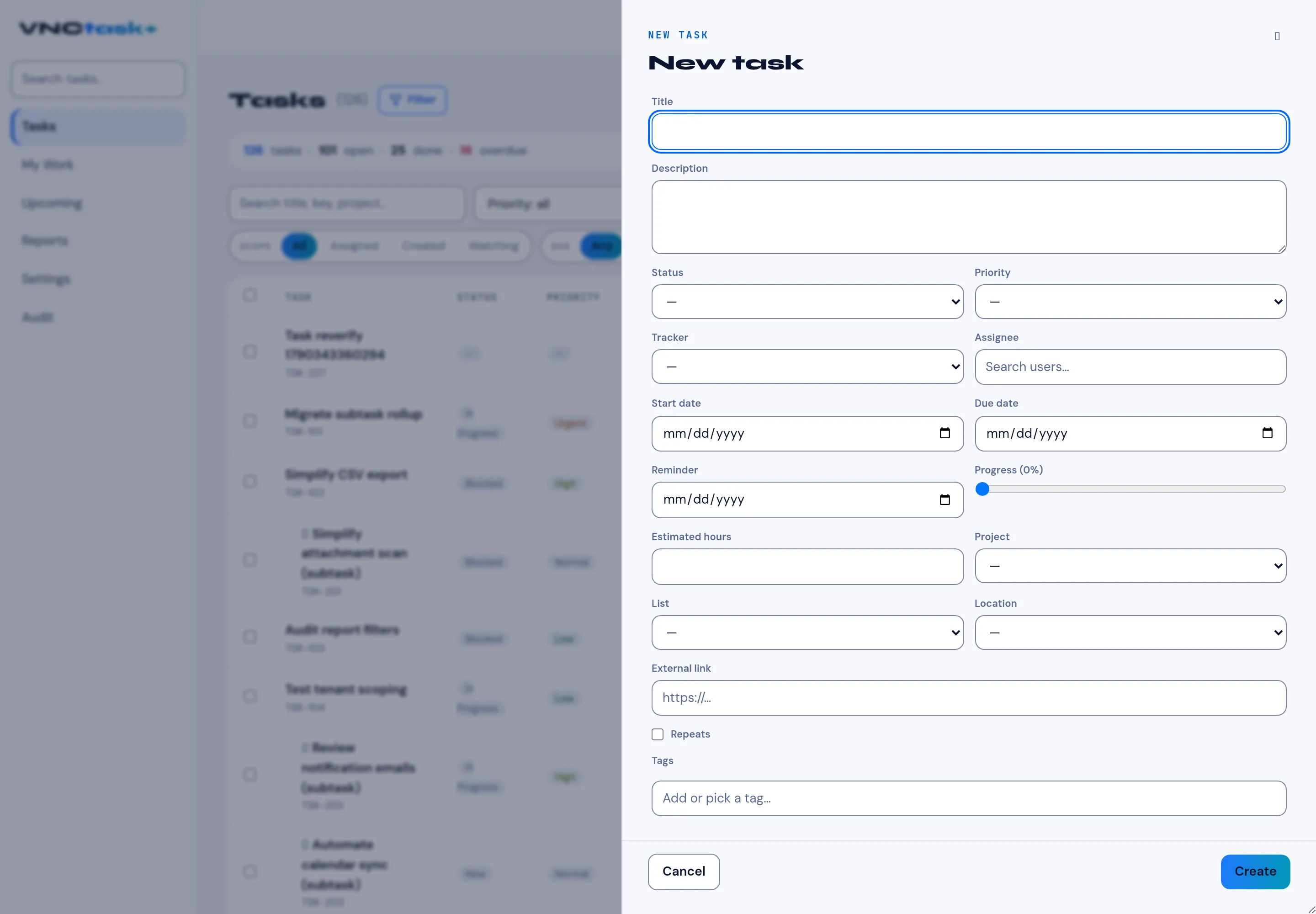
- Open Tasks and select New task.
- Enter a Title. This is the only required field.
- Optionally add a Description.
- Set Status, Priority and a Tracker (bug, feature, support …).
- Choose an Assignee, and set Start date and Due date.
- Optionally add a Reminder, drag the Progress slider, estimate hours, and pick the Project and List it belongs to.
- Add Tags if you use them, then select Create.
Result
Section titled “Result”The task appears in the Tasks list and in My Work for whoever is assigned. Subtasks can be added from the task once it exists.