How tasks, subtasks and views relate
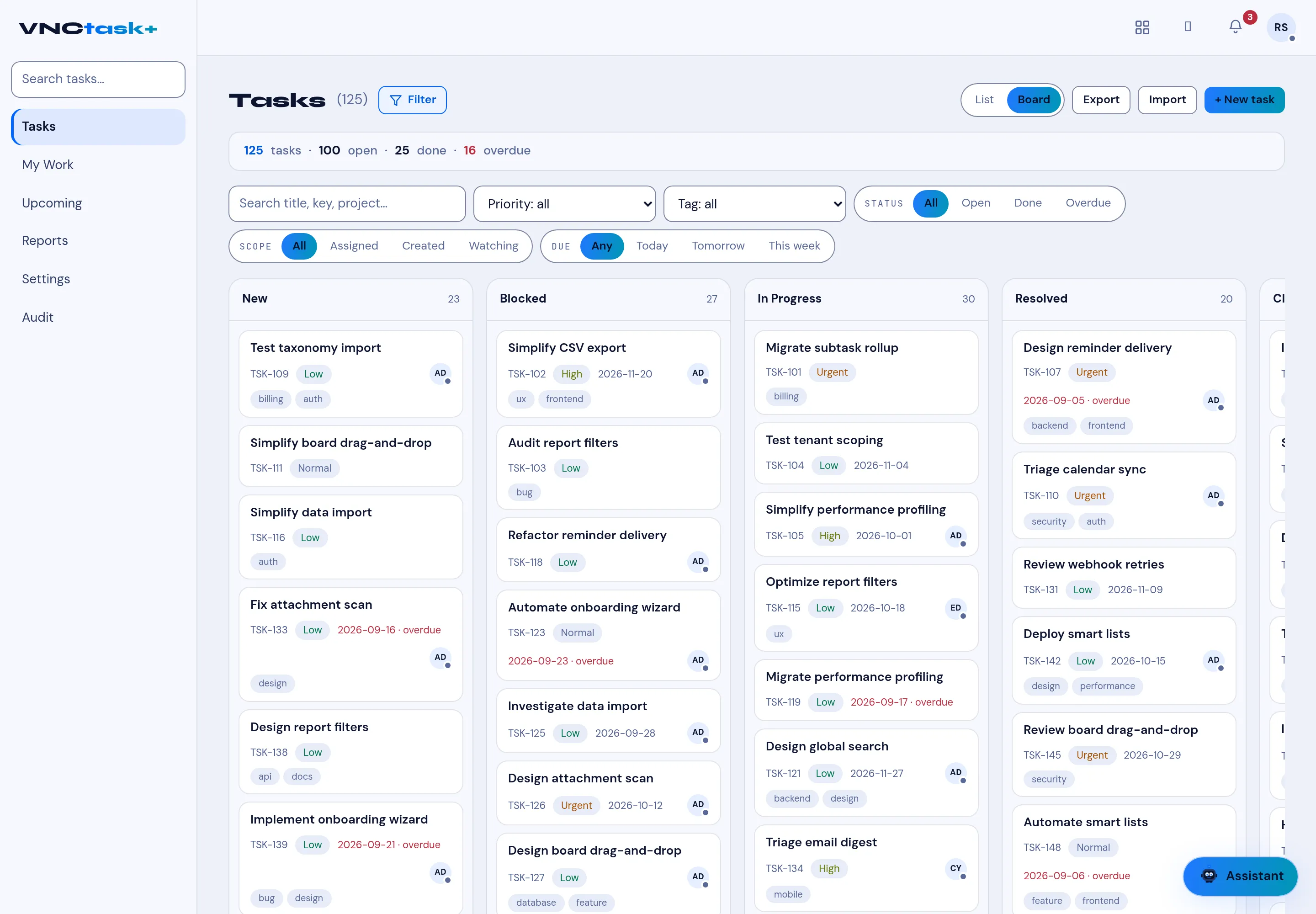
VNCtask+ shows the same tasks through several lenses. Understanding that they are one dataset — grouped differently — avoids surprises.
One task, many lenses
Section titled “One task, many lenses”| View | It is… |
|---|---|
| Tasks (List) | The full table, searchable and filterable. |
| Board | The same rows as columns by status. |
| My Work | Your rows by urgency (overdue, today, this week, watching). |
| Reports | Aggregates: by status, priority, project, and time logged. |
Moving a card on the Board changes its status, which is the same field you see in the list — so the two never drift.
Subtasks
Section titled “Subtasks”A subtask is a task with a parent; it appears inside the parent with a subtask marker and (optionally) its own assignee and dates. It still lives in the same list and board.
Status vs priority vs tracker
Section titled “Status vs priority vs tracker”- Status is where it is (New, Blocked, In Progress, Resolved, Closed).
- Priority is how urgent (Low, Normal, High, Urgent).
- Tracker is what kind of work it is (bug, feature, support…).
Why the board groups by status
Section titled “Why the board groups by status”Because status drives the board columns, the board is the fastest read of flow — where work is stuck (Blocked) and what is moving.