Share a board
Share a board by link so people can view it without an editor.
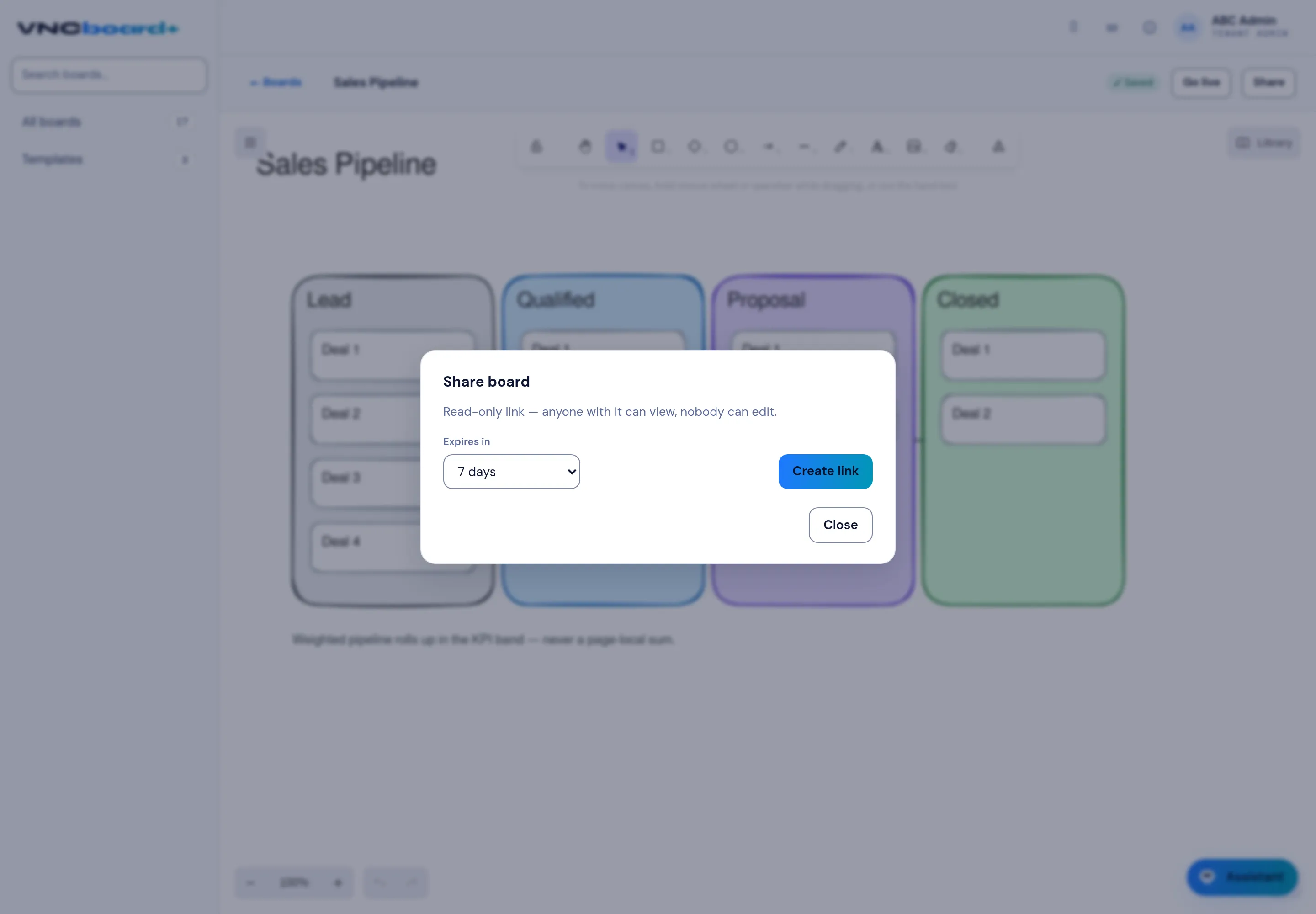
- Open the board and select Share (top right).
- The dialog explains the link is read-only — anyone with it can view, nobody can edit.
- Set Expires in — how long the link stays valid (for example 7 days).
- Select Create link.
- Copy the link and send it. Close dismisses the dialog.
Result
Section titled “Result”Anyone with the link can open and view the board until it expires. To let others edit, invite them to the board instead; Go live starts a collaborative session.